Smart Home Security: The Complete Guide to Staying Safe
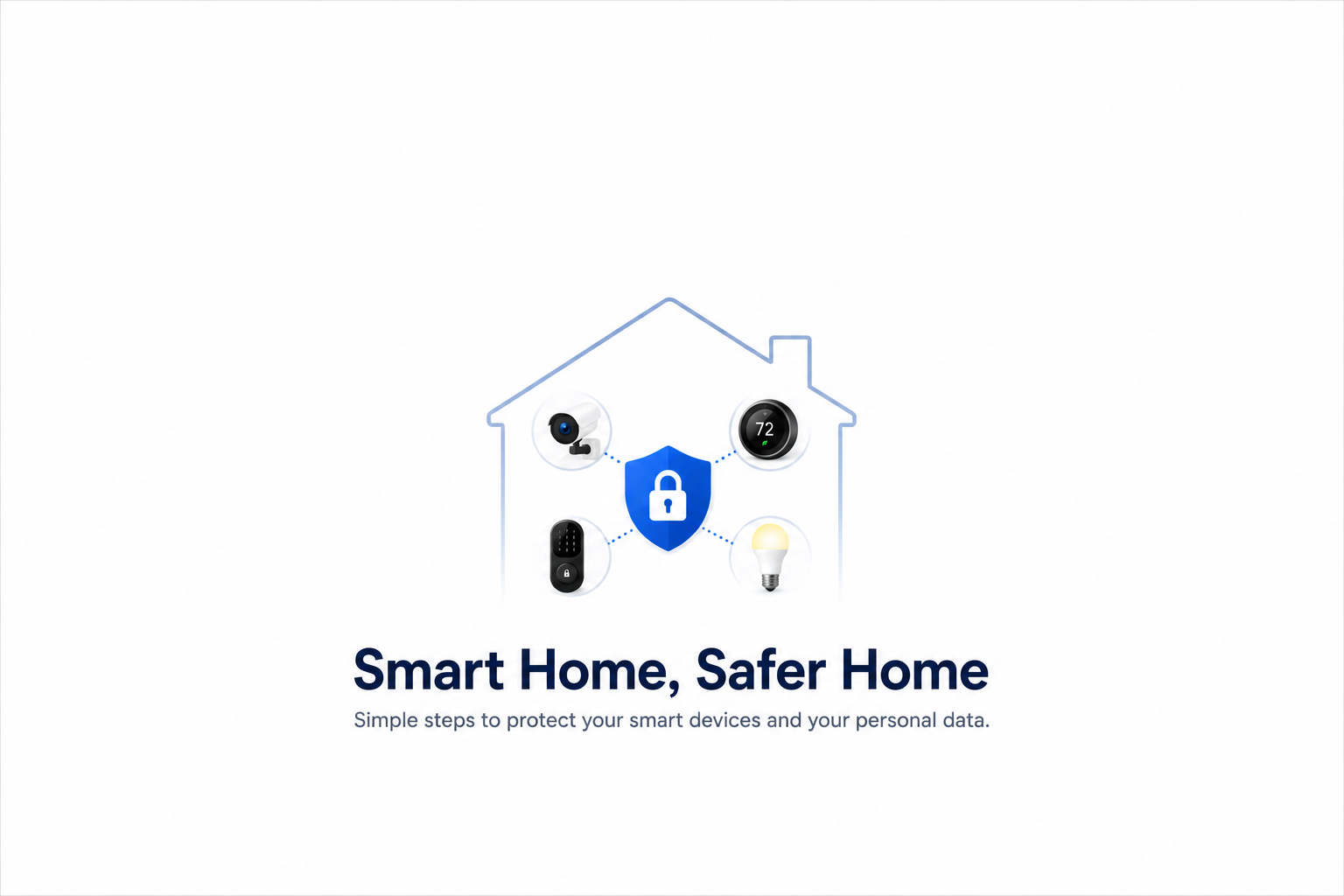
Smart home devices promise convenience: lights that turn on automatically, a thermostat that learns your schedule, a doorbell camera you can check from anywhere. What most owners never fully consider is that every one of these devices is also a small networked computer, and each one creates a potential entry point into your home network and personal data. A compromised smart doorbell doesn’t just expose your video feed. Depending on how your network is set up, it can become a stepping stone into every other device you own.
This guide covers the real risks smart home devices introduce, why the most important fix is often the simplest one, and the practical steps that meaningfully reduce your exposure without requiring you to give up the convenience that made these devices appealing in the first place.
Why Your Current Network Setup Creates Risk
Most home networks treat every connected device as equally trusted once it’s on the network. Your laptop with banking access, your phone, and a twenty-dollar smart plug from an unfamiliar brand all sit on the same flat network, able to communicate with each other by default. This matters because smart home devices, as a category, tend to have meaningfully weaker security than the computers and phones sharing that same network.
Manufacturers of connected devices frequently prioritize cost and time-to-market over security. Default passwords that never get changed, infrequent or nonexistent firmware updates, and minimal built-in security controls are common across the budget smart-device category especially. When one of these weaker devices gets compromised, and on a flat network with no segmentation, the attacker doesn’t just gain control of that single device. They gain a foothold that can potentially reach every other device sharing that network, including the ones that actually matter: your computer, your phone, anything with access to sensitive accounts or data.
The Single Most Effective Fix: Network Segmentation
If there’s one change worth prioritizing above all others covered in this guide, it’s this one: put your smart home devices on a separate network from your primary devices.
Most modern routers include a guest network feature, and using it for smart home devices, not just visitors, transforms your security posture more than any other single step. A guest network creates an isolated segment: devices on it can reach the internet, but they can’t see or communicate with devices on your main network. If a compromised smart camera or thermostat sits on this isolated segment, an attacker who gains control of it hits a dead end rather than a launching pad into your laptop or phone.
Setting this up typically takes about thirty minutes. Log into your router’s admin settings, enable the guest network feature (sometimes labeled as a separate SSID or IoT network), give it a distinct name and a strong, unique password, and then reconnect your smart devices to it instead of your main network. Verify the isolation setting, sometimes called “AP isolation” or “client isolation,” is actually enabled, since some routers require this to be turned on explicitly rather than assuming it by default.
For a modest number of homes with more advanced routers, VLANs (virtual local area networks) offer even more granular segmentation, letting you create multiple isolated zones rather than just one. This is a meaningful upgrade for technically comfortable users, but a properly configured guest network alone closes the overwhelming majority of the risk for most households without requiring that added complexity.
Why Automatic Updates Matter More Than Almost Anything Else
The single most overlooked security practice for smart home devices is keeping them updated. The same firmware that powers a doorbell camera or smart thermostat contains vulnerabilities that get discovered and patched over time, exactly like the software on your computer or phone. Unlike your computer or phone, though, smart home devices rarely prompt you to update, and many people never think to check.
Enable automatic updates wherever the device supports it. For devices without automatic updates, build a habit of checking the manufacturer’s app or a companion tool periodically, quarterly at minimum, for available firmware updates. This single, unglamorous habit closes known, publicly documented vulnerabilities that attackers actively scan for, since an unpatched device with a known, published vulnerability is a far easier target than one that’s current.
When evaluating a new smart device before purchase, checking whether the manufacturer has a track record of regular security updates is worth the extra few minutes of research. A device from a manufacturer that stops supporting older products after a year or two becomes a permanent, unpatchable vulnerability sitting on your network indefinitely.
What Your Devices Are Actually Collecting
Every connected device in a smart home creates a potential channel for data collection, not just a potential entry point for attackers. Smart cameras, voice assistants, thermostats, door locks, and even some light bulbs operate as networked computers that frequently collect and transmit data back to the manufacturer, sometimes far more extensively than most owners realize or would consent to if asked directly.
Voice assistants may retain recordings of conversations, sometimes reviewed by human staff for quality purposes depending on the manufacturer’s specific policies. Smart cameras may store footage in the cloud under retention and access policies most users never read. Even basic usage data, when you’re home, your daily patterns, which rooms see the most activity, gets collected by some devices as a matter of course.
Reducing this exposure doesn’t require abandoning smart home devices entirely. Reviewing each device’s privacy settings and disabling data collection features you don’t actually use (voice history retention, unnecessary location tracking, features you never touch) meaningfully reduces what’s being collected without sacrificing the core functionality you actually want. Reading a device’s privacy policy before purchase, focusing specifically on data retention and third-party sharing, is a genuinely useful five-minute habit that most buyers skip entirely.
A Practical Starting Checklist
Pulling everything together into a sequence that doesn’t require a weekend project:
Change every default password immediately upon setup. Default credentials for common smart devices are publicly documented and actively targeted by automated scanning tools; this is the single fastest fix with the highest immediate impact.
Set up a separate network for smart devices before adding more of them. If you only do one thing from this guide, this is the one with the largest security return relative to effort.
Enable automatic updates on every device that supports it. Check the rest periodically rather than assuming they’ll notify you.
Review privacy and data collection settings on your most sensitive devices first. Voice assistants and cameras warrant the closest look, given what they’re capable of collecting.
Research a manufacturer’s update track record before buying new devices. A slightly higher upfront cost from a manufacturer with a genuine security update history is usually worth it compared to a cheaper device that will never receive a patch.
The Bottom Line
Smart home devices genuinely do add convenience, and abandoning them isn’t a realistic or necessary response to their security risks. The realistic response is understanding that these devices, as a category, carry weaker security than your primary computers and phones, and structuring your network so that a compromised smart plug or camera can’t become a path to everything else you own. A separate network for smart devices, consistent updates, and a quick look at what each device actually collects closes the overwhelming majority of the real risk, without requiring you to give up the convenience that made these devices worth buying in the first place.
Enjoyed this article?
Subscribe to Professor Simon's weekly newsletter for practical insights, career guidance, and leadership lessons delivered every Friday.
A confirmation email will be sent. If you don't receive it, please check your spam or junk folder.
No spam. Unsubscribe anytime.
Prefer to Listen?
Listen to Professor Simon’s IT & Cybersecurity Podcast for practical conversations about cybersecurity careers, certifications, security leadership, and real-world lessons from the field.
Listen on Spotify