Ransomware 101: What Every Non-Technical Person Needs to Know
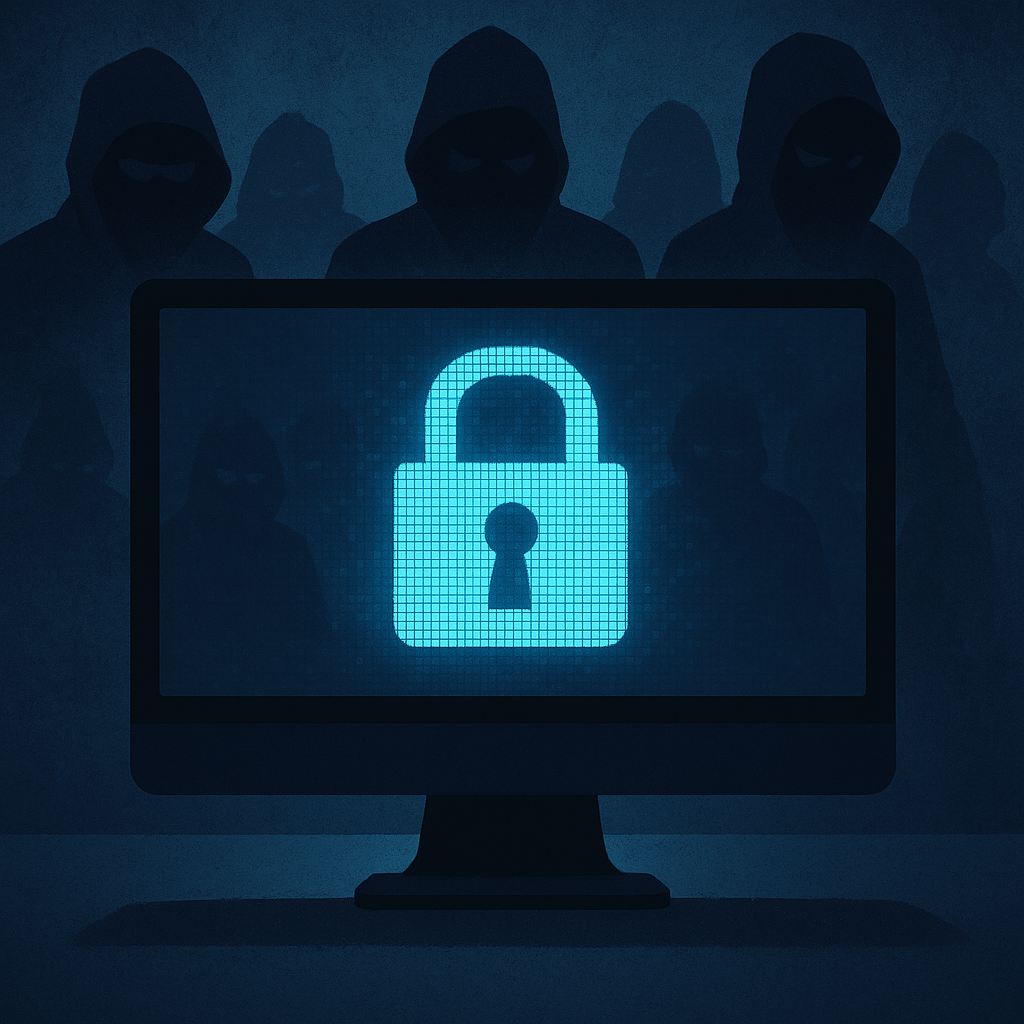
Ransomware 101: What Every Non-Technical Person Needs to Know
Ransomware attacks cost victims billions of dollars annually, yet many professionals outside of IT struggle to grasp how these threats work or why they matter. Understanding the basics of ransomware isn’t just for security teams—it’s essential knowledge for anyone who uses computers at work, manages others, or handles sensitive information. This guide breaks down ransomware into plain language, explains how attacks unfold in real organizations, and provides practical steps anyone can take to reduce risk.
What Ransomware Actually Is
Ransomware is malicious software that locks or encrypts files on a computer or network, making them inaccessible until the victim pays a ransom. Think of it as a digital hostage situation—attackers break into systems, scramble the data using encryption, then demand payment (typically in cryptocurrency) to provide the decryption key.
The mechanics are simpler than they sound. Once ransomware infiltrates a device, it scans for valuable files—documents, databases, photos, backups—and encrypts them using mathematical algorithms that render the files unreadable without a specific key. Victims often discover the attack when they see a ransom note on their screen, demanding anywhere from a few hundred to millions of dollars within a tight deadline.
Modern ransomware has evolved beyond simple file encryption. Many attackers now practice double extortion, where they steal sensitive data before encrypting it, then threaten to publish the information publicly if the ransom isn’t paid. Some groups even engage in triple extortion, contacting customers or partners of the victim to apply additional pressure.
How Attackers Get Inside Organizations
Ransomware doesn’t magically appear on systems—attackers need a way in. Understanding these entry points helps identify where defensive efforts matter most.
Phishing Emails
Phishing represents the most common initial access method, accounting for the majority of successful ransomware attacks. Attackers send emails disguised as legitimate communications—fake invoices, package delivery notices, or urgent messages from supposed executives—with malicious attachments or links.
When someone clicks the link or opens the attachment, malware downloads and begins the infection process. These emails have become sophisticated, often mimicking real companies or internal communications with surprising accuracy. The attachment might be labeled “Invoice_March_2024.pdf” but actually contains executable code that launches the ransomware.
Weak Remote Access Credentials
Many organizations allow employees to access systems remotely through Virtual Private Networks (VPNs) or Remote Desktop Protocol (RDP). When these access points use weak passwords or lack additional security measures, attackers can simply guess credentials or use stolen passwords purchased from data breach databases.
Once inside through legitimate remote access, attackers blend in with normal traffic, making detection difficult. They move laterally through the network, escalate their privileges, and position ransomware for maximum impact—all while appearing to be authorized users.
Exploiting Public-Facing Applications
Organizations run various web-based systems accessible from the internet—email servers, customer portals, content management systems. When these applications contain security vulnerabilities and aren’t promptly patched, attackers exploit those weaknesses to gain entry.
This entry method requires more technical skill than phishing but allows attackers to compromise organizations without any employee interaction. Automated scanning tools constantly search the internet for vulnerable systems, meaning unpatched applications become targets within hours of vulnerability disclosure.
The Timeline of a Typical Attack
Ransomware attacks aren’t instant events—they unfold over days or weeks through distinct phases.
Initial Compromise and Reconnaissance
After gaining initial access through phishing, weak credentials, or exploits, attackers don’t immediately deploy ransomware. Instead, they explore the environment, mapping the network, identifying valuable data, locating backups, and understanding security controls. This reconnaissance phase can last days or weeks, with attackers often operating during nights and weekends when security teams have reduced staffing.
During this time, attackers move carefully to avoid detection. They may access dozens of systems, steal credentials from memory, and establish multiple backdoors to maintain access if one entry point is discovered.
Lateral Movement and Privilege Escalation
Attackers rarely compromise the most critical systems first. They typically gain access through a less-protected device—perhaps an employee laptop—then move laterally across the network toward high-value targets like database servers, domain controllers, or backup systems.
They escalate privileges along the way, attempting to obtain administrator-level credentials that provide access to the entire network. This phase involves exploiting additional vulnerabilities, harvesting passwords, and systematically expanding their foothold.
Data Exfiltration
Before encrypting anything, sophisticated ransomware groups now exfiltrate sensitive data to external servers they control. This theft serves dual purposes: providing leverage through threatened publication and creating a second revenue stream through data sale if the victim refuses to pay.
The exfiltration process can involve terabytes of data transferred over days, yet often goes unnoticed by organizations lacking robust network monitoring.
Deployment and Encryption
Once positioned, attackers deploy the ransomware payload, often through centralized management tools or scripts that simultaneously encrypt hundreds or thousands of systems. The encryption phase itself may take hours but typically occurs overnight when impact is maximized and response is slowest.
Victims wake to find systems displaying ransom notes, files inaccessible, and business operations halted.
Real-World Impact Beyond Technology
Statistics about ransomware fail to capture the human consequences of these attacks.
The Colonial Pipeline attack in 2021 demonstrated how ransomware extends beyond corporate networks. After the DarkSide ransomware group compromised Colonial Pipeline’s systems, the company shut down 5,500 miles of pipeline delivering nearly half the East Coast’s fuel supply. Gas stations ran dry, prices spiked, and panic buying ensued—all because of a ransomware attack that began with a single compromised password.
Healthcare organizations face particularly severe consequences. When ransomware locks electronic health records, patient care suffers immediately. Hospitals have diverted ambulances, postponed surgeries, and reverted to paper records—scenarios where ransomware creates life-threatening situations beyond financial loss.
Non-profit organizations experience disruption compounded by limited resources. When a social service agency loses access to client records or donation databases, vulnerable populations lose critical services. Recovery timelines measured in weeks or months can mean closed food banks, delayed assistance programs, or permanently lost donor relationships.
Individual employees experience significant stress during ransomware incidents. Security teams work around the clock for days or weeks. Other staff face uncertainty about job security, especially in small businesses where attacks threaten viability. The psychological toll—anxiety, guilt, exhaustion—persists long after systems are restored.
Warning Signs That Could Indicate Active Attacks
Recognizing ransomware before encryption begins creates opportunities for intervention.
Unusual System Behavior
Systems running slower than normal, applications crashing unexpectedly, or computers freezing during routine tasks can indicate malicious activity. Attackers running reconnaissance or exfiltration operations consume system resources, creating noticeable performance degradation.
Network drives that become inaccessible, files suddenly requiring credentials that previously weren’t needed, or popup windows requesting permissions all warrant immediate investigation.
Unexpected File Changes
Files appearing with strange extensions, unknown programs running at startup, or new user accounts that no one remembers creating suggest unauthorized access. Some ransomware creates encrypted test files before full deployment, generating files with extensions like .locked or .encrypted alongside normal files.
Desktop wallpaper changes, browser homepage modifications, or disabled security software indicate possible compromise.
Suspicious Network Activity
Large data transfers occurring during off-hours, connections to unfamiliar external IP addresses, or unusual login attempts from unexpected locations represent potential compromise indicators. While individual employees may not monitor network traffic directly, IT teams should investigate reports of strange behavior that might reflect these patterns.
Multiple failed login attempts, account lockouts without user action, or authentication requests from devices that don’t belong to the organization merit immediate attention.
What Non-Technical People Can Do
Prevention doesn’t require deep technical knowledge—many effective measures involve awareness and habits.
Practice Strong Password Hygiene
Use unique, complex passwords for each account, especially for remote access and email. Consider using passphrases—long combinations of random words—which are both strong and memorable. Enable multi-factor authentication wherever available, adding a critical second layer of defense even if passwords are compromised.
Never share passwords via email or messaging, don’t reuse passwords across work and personal accounts, and use password managers to track credentials securely.
Scrutinize Emails Before Clicking
Before opening attachments or clicking links, verify the sender’s identity through a separate communication channel. Hover over links to preview the actual URL. Be suspicious of urgent language, requests for unusual actions, or messages creating artificial time pressure.
When in doubt, delete the email and contact the supposed sender directly using contact information from the company website or directory, not from the email itself.
Report Suspicious Activity Immediately
Organizations can only respond to threats they know about. Report unusual system behavior, suspicious emails, or unexpected access requests to IT or security teams immediately. Don’t worry about false alarms—security professionals would rather investigate ten false positives than miss one real incident.
Early reporting during the reconnaissance phase can prevent encryption entirely, saving organizations from devastating losses.
Maintain Offline Backups
For personal or small business use, maintain backups that aren’t continuously connected to systems. An external hard drive used for weekly backups then disconnected and stored securely provides ransomware-proof recovery options. Cloud backups work only if ransomware can’t access and encrypt cloud storage through synced credentials.
Verify that backups actually work by testing restoration periodically. Many discover backup failures only after ransomware strikes, when it’s too late.
What Cyber Insurance Does and Doesn’t Cover
Cyber insurance has become common for ransomware protection, but coverage includes important limitations.
Typical Coverage Elements
Most cyber insurance policies cover ransom payments themselves, though insurers often limit amounts or require specific approval processes. Policies typically include costs for forensic investigations, legal fees, notification requirements when data breaches occur, and business interruption losses during recovery.
Some policies provide access to incident response services, connecting policyholders with specialized firms that handle negotiations, technical remediation, and communications.
Common Exclusions and Limitations
Many policies exclude coverage when attacks stem from known vulnerabilities that weren’t patched, inadequate security controls, or failure to follow basic security practices. Pre-existing compromises discovered during incidents may not be covered.
Critically, insurance doesn’t prevent attacks or guarantee data recovery. Paying ransoms doesn’t ensure attackers provide working decryption keys or delete stolen data. Some ransomware groups have provided faulty decryption tools or demanded additional payments after initial ransom payment.
Policies often include waiting periods before coverage begins, deductibles that can reach tens of thousands of dollars, and premium increases or non-renewal after claims.
Using Insurance as Part of Broader Strategy
Insurance should supplement, not replace, security measures. Organizations that implement strong access controls, regular patching, employee training, and robust backup systems both reduce insurance premiums and improve coverage terms.
Review policies annually to ensure coverage matches current risks. As ransomware tactics evolve toward double and triple extortion, verify that policies address data theft and reputational damage, not just encryption and business interruption.
Common Misconceptions About Ransomware
Several myths about ransomware persist despite evidence to the contrary.
Small Organizations Aren’t Targets
Attackers increasingly target small businesses and non-profits precisely because they typically have weaker security defenses and limited incident response capabilities. Smaller ransoms remain profitable when attackers use automated tools and Ransomware-as-a-Service platforms that reduce operational costs.
Non-profits face particular risk because attackers know these organizations struggle with downtime and may pay ransoms to restore services quickly, even when amounts are relatively modest.
Attacks Happen Instantly
The visible encryption phase occurs quickly, but the full attack timeline spans days or weeks. This extended timeframe creates detection and response opportunities if organizations monitor for warning signs and respond to suspicious activity promptly.
Only IT Can Prevent Ransomware
While technical controls matter enormously, individual employee behavior determines whether many attacks succeed. Clicking a phishing link, using weak passwords, or ignoring security warnings can undermine even sophisticated technical defenses.
Conversely, vigilant employees who verify unexpected requests, report suspicious activity, and follow security protocols create powerful defensive layers that prevent attacks from progressing.
Building Resilience Without Technical Expertise
Understanding ransomware fundamentals empowers everyone to contribute to organizational security. The most effective defense combines technical controls maintained by IT teams with security-conscious behavior practiced by all employees.
Ransomware will continue evolving as attackers refine tactics and develop new techniques. However, many attacks still succeed through basic vulnerabilities—weak passwords, unpatched systems, and successful phishing. Addressing these fundamentals blocks the majority of attacks, regardless of sophistication.
For students entering technology careers, early exposure to ransomware concepts builds security awareness that shapes better system design and operational practices. For career changers and professionals in any field, understanding these threats enables informed participation in organizational security efforts and better recognition of personal risk.
The ransomware threat is real and growing, but it’s neither incomprehensible nor unstoppable. With basic knowledge, practical habits, and organizational commitment to security fundamentals, individuals and organizations can dramatically reduce their risk and build genuine resilience against these attacks.
Enjoyed this article?
Subscribe to Professor Simon's weekly newsletter for practical insights, career guidance, and leadership lessons delivered every Friday.
A confirmation email will be sent. If you don't receive it, please check your spam or junk folder.
No spam. Unsubscribe anytime.
Prefer to Listen?
Listen to Professor Simon’s IT & Cybersecurity Podcast for practical conversations about cybersecurity careers, certifications, security leadership, and real-world lessons from the field.
Listen on Spotify