From Email to Everything: How Modern Scams Use Multiple Channels to Seem Real
From Email to Everything: How Modern Scams Use Multiple Channels to Seem Real
The email arrives at 9:03 AM. It looks legitimate—company logo, proper formatting, the right tone. Subject line: “Urgent: Payroll System Update Required.” The message explains that IT is migrating to a new system and employees need to verify their credentials through a secure portal. The link looks professional. The signature includes a help desk phone number.
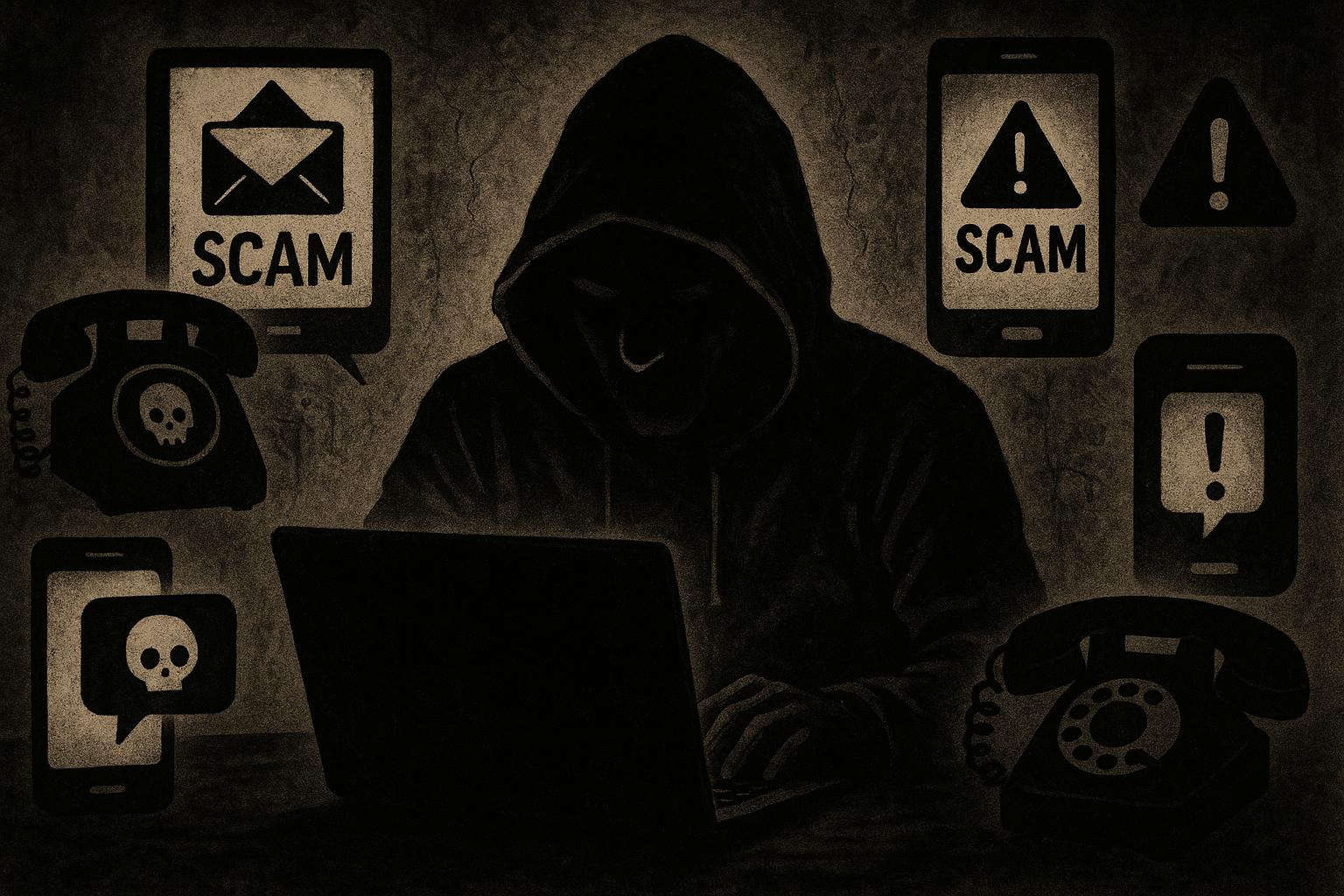
This is where most cybersecurity awareness training stops—teaching people to spot suspicious emails. But modern scams don’t stop at the inbox. That email is just the opening move in a coordinated attack that will touch multiple communication channels over the next few hours, each layer designed to reinforce the others and overwhelm the target’s skepticism.
The Reality of Multi-Channel Social Engineering
Social engineering attacks have evolved far beyond simple phishing emails. Attackers now orchestrate campaigns across email, phone calls, text messages, social media, legitimate-seeming websites, and even video conferencing platforms. According to Palo Alto Networks’ Unit 42 incident response data, social engineering was the initial access vector in 36% of cases between May 2024 and May 2025, making it the most common way attackers break into organizations.
The sophistication has increased dramatically. Voice phishing detection surged 442% from the first half to the second half of 2024, reflecting attackers’ pivot away from email-only tactics as organizations strengthen their email security. These aren’t random, opportunistic attempts. They’re planned operations that leverage AI-generated content, psychological manipulation, and cross-channel coordination to appear completely legitimate.
Traditional single-channel attacks gave targets time to think. Receive a suspicious email, pause, verify with IT, move on. Multi-channel attacks don’t allow that luxury. They create urgency, provide apparent verification through secondary channels, and exploit the trust people place in voice and video communication.
How Multi-Channel Attacks Actually Work
The typical attack follows a predictable pattern, though variations exist depending on the target and objective.
Phase one begins with an email that establishes initial contact and plants the seed of the scam. The message creates a problem that requires immediate action—a security breach, a policy change, a payment issue. The email includes a phone number or instructs the target to expect a call.
Phase two escalates to voice contact. Within hours, sometimes minutes, the target receives a call from someone claiming to be from IT support, the help desk, or a manager. The caller references the email, providing apparent legitimacy. They use professional terminology, demonstrate knowledge of company systems, and maintain a calm, authoritative tone. This callback phishing technique has become increasingly common among cybercriminal groups.
Phase three moves to visual channels. The attacker may request a video call “to verify your identity” or “walk you through the process.” Alternatively, they might direct the target to a professional-looking website that mirrors legitimate corporate branding. The site captures credentials, installs malware disguised as security software, or harvests sensitive information.
Phase four involves additional verification tactics that exploit trust. The attacker might send a text message with a fake security code, spoof a manager’s email address to approve the action, or direct the target to search for the “company’s support page”—which leads to an SEO-poisoned result that ranks above the legitimate site.
Each channel reinforces the others. The email references the upcoming call. The call references the email and directs to the website. The website displays messaging consistent with both previous contacts. The target isn’t evaluating a single suspicious interaction—they’re caught in a web of apparently connected, mutually reinforcing communications.
The Psychology Behind Channel Mixing
Multi-channel attacks work because they exploit fundamental assumptions about how legitimate organizations communicate.
People expect scams to arrive through a single channel, usually email. When an interaction spans email, voice, and visual media, it triggers different mental models. The brain processes these as separate, independent verifications rather than as coordinated elements of a single attack.
Voice and video carry inherent authority. Research consistently shows that people trust spoken communication more than written text, and video conferencing creates an impression of authenticity that’s difficult to fake—except it’s no longer difficult. With just 10 seconds of someone’s voice, AI can generate convincing audio impersonations. Deepfake fraud attempts increased 3,000% in 2023, and the technology continues to improve.
The timing creates pressure. Multi-channel attacks compress decision-making time by creating overlapping demands for attention. The email says “urgent.” The call says “we need to resolve this now.” The website has a countdown timer. This manufactured urgency short-circuits the careful verification process people would normally use.
Social proof amplifies the effect. The attacker might claim “we’ve been calling everyone in your department” or “your manager already approved this.” These statements create the impression that others have validated the process, reducing the target’s inclination to question it.
Real-World Multi-Channel Attack Scenarios
The executive impersonation scam starts with an email from what appears to be a C-level executive requesting an urgent wire transfer. The email arrives during a time the executive is known to be traveling or in meetings. When the target hesitates, they receive a call from someone claiming to be the executive’s assistant, explaining that the CEO is in a conference and needs this handled immediately. A text message from the “executive’s mobile number” provides wire transfer details. Each channel adds apparent legitimacy.
The IT support scam begins with an email warning about a security incident affecting the target’s account. A pop-up appears in the browser claiming the system has been compromised. The target calls the number provided and speaks with someone who sounds professional and knowledgeable. The caller guides the target through steps that actually install remote access software, giving the attacker complete system control.
The vendor payment redirect targets accounts payable teams. An email arrives from a regular vendor requesting updated payment information. The sender’s email address is one letter off from the legitimate vendor. A follow-up phone call from someone claiming to be the vendor’s accounts receivable department confirms the change. The new bank account belongs to the attackers.
The recruitment scam targets job seekers. A professional-looking LinkedIn profile contacts the target about an opportunity. After an initial conversation, the “recruiter” sends a formal offer letter via email. During a video call to discuss the position, the target is asked to fill out forms that harvest personally identifiable information, ostensibly for background checks. The company, of course, doesn’t exist.
The ClickFix Technique
A particularly effective variant uses fake browser alerts to initiate multi-channel sequences. The target visits what appears to be a legitimate website—often through SEO poisoning that ranks malicious sites above genuine results. A browser notification appears claiming a security issue or required update.
When the target clicks the alert, they’re guided through steps that install malware. Simultaneously, they may receive a phone call from “technical support” offering to help resolve the issue, or an email providing additional instructions. This ClickFix technique was the initial access vector in at least eight confirmed incident response cases between May 2024 and May 2025.
The browser-based element is particularly effective because it circumvents email security entirely. The target isn’t clicking a suspicious email link—they’re responding to what appears to be a native browser warning while visiting a site they intentionally navigated to.
Why Traditional Defenses Fall Short
Email security tools catch many traditional phishing attempts, but they can’t protect against voice calls, text messages, or fake video conferences. The 20% decrease in global phishing attacks during 2024 doesn’t indicate that social engineering is declining—it reflects attackers moving to channels that email filters can’t monitor.
User awareness training typically focuses on identifying suspicious emails. People learn to check sender addresses, hover over links, and watch for grammatical errors. These skills become less useful when the attack moves to voice or video, where different evaluation criteria apply.
Organizations monitor email traffic extensively but have limited visibility into employees’ phone calls, text messages, or personal video conferencing tools used for work purposes. This creates blind spots that attackers exploit systematically.
The speed problem compounds the challenge. AI enables attackers to operate at scale impossible for human defenders. While a security team is still analyzing one incident, AI-powered systems have launched thousands of personalized attacks across multiple channels, each calibrated to the specific target.
Recognizing Cross-Channel Attack Patterns
Certain characteristics signal coordinated multi-channel attacks:
Artificial urgency appears across all communications. The email demands immediate action. The caller emphasizes time pressure. The website displays countdown timers. Legitimate organizations rarely require instant decisions on security-sensitive matters.
Unsolicited verification requests should trigger suspicion. Real IT departments don’t call asking employees to verify credentials. Banks don’t text asking customers to confirm account numbers. Managers don’t email requesting wire transfers without prior discussion.
Channel inconsistencies often reveal scams. The email signature includes a phone number, but calling the company’s official number reaches people who know nothing about the issue. The website URL doesn’t quite match the legitimate domain. The caller ID displays a local number for a company headquartered across the country.
Knowledge gaps emerge under questioning. The attacker demonstrates general knowledge but struggles with specific details. They know the company uses a particular software platform but can’t answer which version. They claim to be from IT but don’t know the department’s actual location or manager’s name.
Pressure to bypass standard procedures is a critical warning sign. The caller asks the target to disable security software “temporarily.” The email requests payment through unusual channels. The video conference participant suggests using a non-standard platform “because the company’s system is down.”
Practical Defense Strategies
Organizations need layered defenses that extend beyond email:
Identity verification protocols establish standard procedures for confirming identity across channels. When someone requests sensitive actions, employees verify through independent means—calling the person back at a known number, confirming through a separate communication channel, or using pre-established verification codes.
Secondary channel confirmation requires that significant requests receive verification through a different medium than the original contact. An emailed wire transfer request requires a voice confirmation. A phone call requesting credential changes requires written confirmation through official channels.
Behavioral analytics and ITDR (Identity Threat Detection and Response) systems monitor for credential misuse and suspicious access patterns. These tools detect when compromised credentials are used even after an attacker successfully harvests them through social engineering.
Extended monitoring encompasses mobile messaging, collaboration tools like Slack and Teams, browser-based vectors, and QR codes. Detection can’t stop at the inbox when attacks don’t.
Zero Trust principles applied to users, not just network perimeters, assume that any request might be fraudulent and require verification regardless of apparent authority level.
Individual Protective Measures
Remote workers and individual employees can adopt specific habits:
Establish verification protocols with colleagues and family members. Create simple codes or questions that confirm identity during unusual requests. “If you think I’m texting Shania Twain, call me” might sound silly, but these family safety codes effectively protect older relatives from AI-enhanced romance scams.
Verify through known channels, not provided contacts. When receiving unusual requests, contact the person or organization through official phone numbers, email addresses, or websites—not the contact information included in the suspicious message.
Recognize psychological manipulation tactics. Urgency, fear, authority figures, and social proof are standard tools in the attacker’s playbook. When multiple persuasion techniques appear together across different channels, treat the situation with extreme caution.
Slow down the interaction. Multi-channel attacks rely on compressed decision-making timeframes. Inform the requester that you need time to verify. Legitimate contacts will understand. Attackers will pressure harder, revealing their true nature.
Report suspicious patterns. Organizations can’t defend against threats they don’t know exist. When something feels coordinated across multiple channels, report it to security teams even if it turns out to be legitimate.
The Reporting Culture Problem
Traditional security awareness training measures success by how many people avoid clicking phishing links in tests. This metric misses the point. Click rates don’t matter when attacks arrive through voice and video. Detection and response matter.
Effective security culture prioritizes reporting over avoidance. Organizations should track how many suspicious interactions employees report, how quickly they report them, and how security teams respond. A team with a high reporting rate and rapid response outperforms a team with a low click rate but no visibility into non-email threats.
This requires permission to be skeptical. Workplace cultures that reward helpfulness and quick responses inadvertently make employees easy targets. People need explicit authorization to slow down, ask questions, and verify requests without fear of appearing difficult or unhelpful.
Looking Forward: The Automation Gap
AI has fundamentally changed the economics of social engineering. Attackers use AI to generate personalized content at scale, scrape social media for targeting data, mimic brand voices and tones, and create convincing audio and video impersonations. According to current data, 82.6% of phishing emails now use AI-generated content, and AI-powered campaigns achieve a 42% higher success rate than conventional attempts.
Defenders largely operate manually. Security teams investigate incidents one at a time, train users through static programs, and monitor channels individually. This speed differential favors attackers decisively.
The solution isn’t simply more AI-powered defenses, though that helps. It’s recognizing that multi-channel social engineering represents a systemic, identity-centric threat requiring fundamentally different approaches than traditional email security.
Organizations must extend detection across all communication channels, implement behavioral analytics to catch credential misuse, secure identity recovery processes, and build security-conscious cultures where reporting suspicious interactions is routine and rewarded.
For individuals, the shift requires understanding that the convincing email, the authoritative phone call, and the professional video conference might all be elements of a single coordinated attack. The person on the other end of that Zoom call might not be who they claim, regardless of how convincing they sound or look.
The multi-channel threat isn’t coming. It’s here, operating at industrial scale, and affecting organizations and individuals daily. The 68% of data breaches caused by human error in 2024 reflect this reality. Technical controls alone can’t solve problems rooted in human psychology and trust.
The practical path forward combines healthy skepticism, verification protocols, extended monitoring, and cultures that value security awareness as much as operational efficiency. When an interaction spans multiple channels and creates pressure for immediate action, that’s the moment to slow down, verify independently, and remember that the most sophisticated scams are designed to feel completely real.
Enjoyed this article?
Subscribe to Professor Simon's weekly newsletter for practical insights, career guidance, and leadership lessons delivered every Friday.
A confirmation email will be sent. If you don't receive it, please check your spam or junk folder.
No spam. Unsubscribe anytime.
Prefer to Listen?
Listen to Professor Simon’s IT & Cybersecurity Podcast for practical conversations about cybersecurity careers, certifications, security leadership, and real-world lessons from the field.
Listen on Spotify