The Productivity Trap: When AI Tools Make You Less Secure at Work
The Productivity Trap: When AI Tools Make You Less Secure at Work
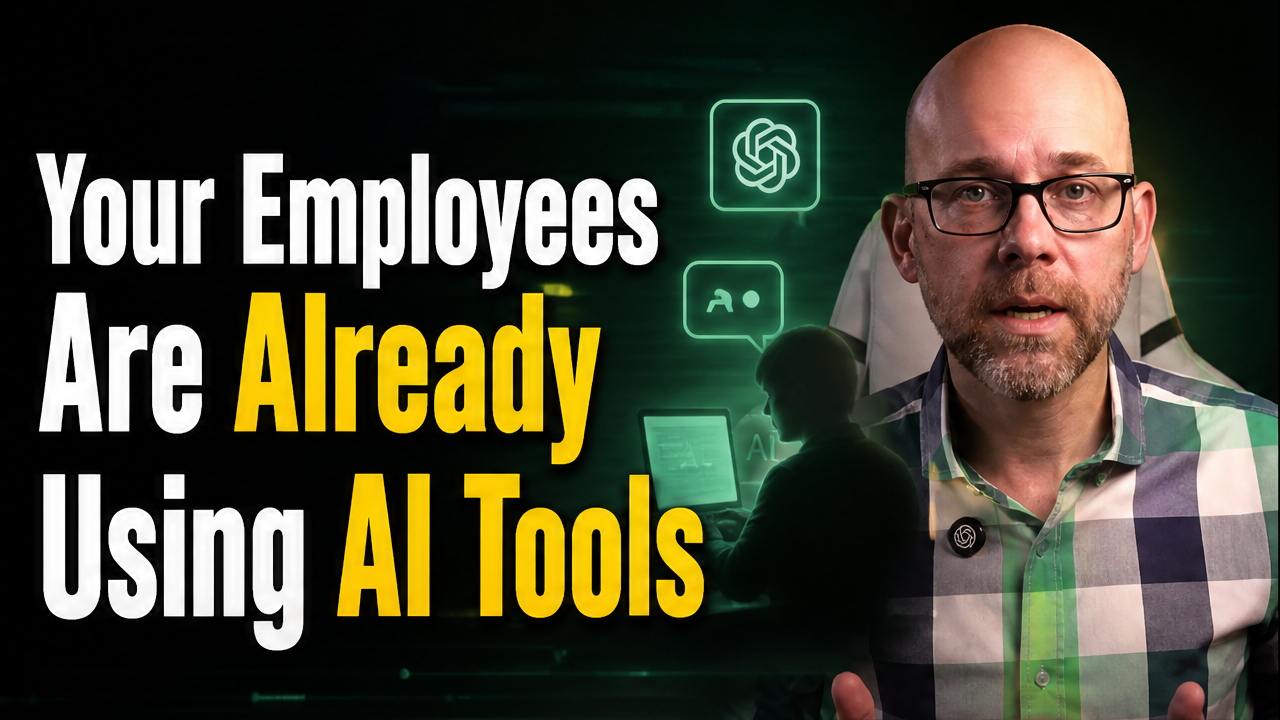
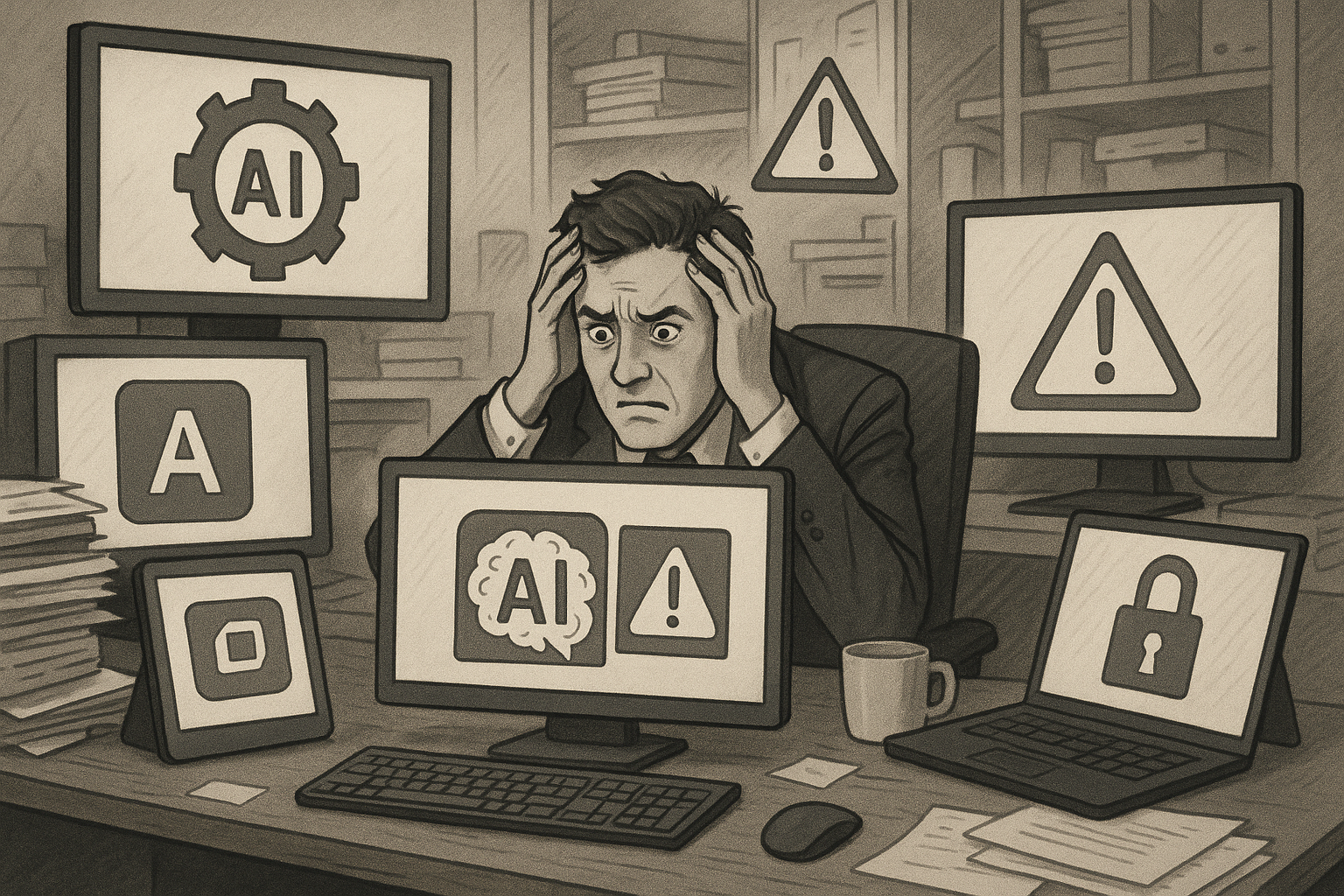
That AI assistant saving hours each week might be quietly creating the biggest security vulnerability in your organization. The rise of artificial intelligence tools has created an unexpected problem: employees are boosting their productivity while unknowingly exposing sensitive company data, creating security gaps that traditional defenses weren’t designed to catch.
The issue isn’t that AI is inherently dangerous. The problem is the gap between how quickly employees adopt these tools and how slowly organizations implement proper safeguards. While workers paste confidential information into ChatGPT to draft better emails or upload proprietary code to get debugging help, they’re often unaware they’ve just handed sensitive data to systems with unclear retention policies and uncertain security controls.
Understanding this productivity-security trade-off matters for anyone using AI at work, whether you’re a recent graduate starting your first job or a mid-career professional trying to work more efficiently. The consequences range from minor policy violations to serious data breaches that can derail careers and expose organizations to regulatory penalties.
Understanding the Shadow AI Phenomenon
Shadow AI refers to the unauthorized use of AI tools that haven’t been vetted or approved by an organization’s IT or security teams. Unlike shadow IT, which typically involves software installations that IT can detect and block, shadow AI often operates through simple web browsers. An employee can access dozens of AI tools without downloading anything, making detection significantly harder.
The behavior spreads quickly because the productivity gains are immediate and obvious. Someone discovers they can write reports faster using an AI writing assistant, shares the tip with colleagues, and suddenly an entire department is using an unapproved tool. Nobody reports it because nobody realizes they’re doing anything wrong.
This creates a fundamental conflict. Employees genuinely believe they’re helping the company by working more efficiently. Meanwhile, security teams see a rapidly expanding attack surface they can’t control. Both perspectives are valid, which is why simply banning all AI use typically backfires.
Organizations that implement blanket bans discover employees continue using AI tools anyway, but now they hide it. The problem doesn’t disappear—it just becomes invisible to the security team. According to research from Brightside AI, blocking everything leads to increased unsanctioned usage because employees need the productivity boost to meet their job expectations.
The Real Security Risks of Unvetted AI Tools
Data leakage represents the most critical threat when employees use personal AI accounts for work tasks. Unlike traditional data breaches where attackers steal information, data leakage occurs when employees voluntarily provide sensitive information to systems that aren’t designed to protect it appropriately.
Consider what happens when someone pastes a customer email containing personal information into an AI tool to generate a response. That customer data now exists in the AI provider’s systems. Depending on the tool’s terms of service, that data might be used to train future models, stored indefinitely, or shared with third parties. The employee who pasted it probably never read the terms of service and doesn’t realize they’ve created a compliance violation.
The types of sensitive data at risk include:
- Personally identifiable information from customer records
- Proprietary business strategies and financial projections
- Source code and technical architecture details
- Employee performance data and HR information
- Login credentials and system access tokens
- Contract terms and negotiation details
According to Teramind’s research on AI workplace risks, many AI tools retain conversation history and use inputs to improve their models unless specifically configured otherwise. Enterprise versions typically offer better data controls, but personal accounts—which employees often use—provide minimal protection.
AI-generated phishing attacks represent another escalating threat. Traditional phishing emails were often easy to spot due to poor grammar and generic messaging. Modern AI tools can generate highly personalized, contextually appropriate messages that bypass both technical filters and human skepticism. These attacks become even more dangerous when attackers use AI to process leaked information from other sources, creating convincing messages that reference real projects, colleagues, and business situations.
Compliance violations create legal and financial exposure. Organizations in regulated industries face specific requirements about data handling under frameworks like GDPR, HIPAA, and various financial regulations. When employees use unapproved AI tools with protected data, they potentially violate these regulations. The 72-hour breach disclosure requirement under GDPR applies when personal data is exposed, but organizations often don’t discover the exposure until much later because the employee didn’t realize they’d created a reportable incident.
Recognizing When Productivity Tools Become Security Problems
Several warning signs indicate an AI tool might be creating security risks rather than legitimate productivity gains. Learning to recognize these situations helps you avoid accidental violations before they become serious problems.
Asking yourself the right questions before using an AI tool establishes a basic risk assessment:
- Is this tool approved by my organization?
- Am I using an enterprise account or a personal account?
- What type of data am I about to paste into this tool?
- Would I be comfortable if this conversation became public?
- Do I know how this tool stores and uses my inputs?
- Am I working on a managed company device or personal device?
The sensitivity of the data matters more than the tool itself. Even an approved AI tool becomes risky when you use it with data beyond its approved scope. A tool cleared for drafting marketing content shouldn’t be used with customer financial records, even though the same AI model could technically handle both tasks.
Context clues from the work environment also signal risk levels. If you’re working on a project that requires an NDA, handling data marked as confidential, or dealing with information that went through a security review to access, that data shouldn’t go into unapproved AI tools. The classification and handling procedures your organization already applies to traditional documents extend to AI interactions.
The device type matters significantly. Company-managed devices typically include monitoring software, data loss prevention tools, and security configurations that provide some protection even when employees make mistakes. Personal devices lack these guardrails. Using AI tools on personal phones or home computers to handle work data creates blind spots where security teams can’t monitor or intervene.
Browser extensions deserve particular scrutiny. Many AI tools offer browser extensions that promise to enhance productivity by integrating with email, documents, or other work applications. These extensions often request broad permissions to read and modify content across websites. An extension with access to your corporate email essentially gains access to every confidential message in your inbox.
How Organizations Are Solving the Shadow AI Challenge
Progressive organizations are moving beyond simple bans toward structured AI governance that balances security with productivity. This approach acknowledges that AI provides genuine business value while establishing guardrails to manage risk.
The tiered classification model provides clear guidance about which tools employees can use for different work types. According to Brightside AI’s governance framework, a typical model includes four tiers:
Approved for general work includes enterprise-licensed tools with reviewed contracts, established data controls, and clear terms of service. Employees can use these tools for routine work without additional approval.
Limited use covers tools that are acceptable for specific use cases but not general deployment. An AI coding assistant might fall here—permitted for writing new code but prohibited for pasting existing proprietary code.
Requires review applies to tools that might be useful but need security assessment before use. Employees can request review for these tools by explaining the business need.
Prohibited includes tools with known security issues, unclear data handling, or terms incompatible with company policies. Public, personal-account versions of AI tools often fall into this category even when the enterprise version is approved.
Centralized monitoring allows security teams to detect unapproved AI usage without blocking everything. Modern tools can monitor clipboard activity, file uploads, and web traffic to identify when employees paste sensitive data into external AI tools. This visibility enables targeted intervention rather than blanket restrictions.
Training programs help employees understand why certain restrictions exist rather than just what the rules are. Effective training covers real scenarios specific to your role:
- How to identify sensitive data that shouldn’t go into AI tools
- How to recognize AI-generated phishing attempts
- How to spot AI hallucinations that produce confident but incorrect information
- How to write prompts that accomplish tasks without exposing sensitive details
- When to request human review of AI-generated outputs
Reporting pathways matter as much as policies. According to security research from SecNap, organizations need easy reporting paths for three situations: when employees discover unapproved tools they want to use, when they accidentally paste sensitive data into the wrong place, and when they receive suspicious messages that might be AI-generated attacks.
Building Your Personal AI Safety Framework
Individual professionals can implement their own practices to use AI productively while managing risk, even when organizational policies lag behind technology adoption.
Conducting a personal AI audit creates awareness of your current usage patterns. Document every AI tool you’ve used for work in the past month, including one-time experiments. For each tool, note what type of work you used it for and whether you pasted any sensitive information. This exercise often reveals risk exposure you didn’t realize existed.
Establishing personal classification rules helps you make consistent decisions. Create your own simple framework:
Public information like general research, learning materials, or published content can typically go into AI tools without concern. Internal information such as project details, team strategies, or business metrics requires approved tools only. Sensitive data including customer information, financial details, or anything marked confidential shouldn’t go into any AI tool without explicit approval.
Using AI tools with redacted data maintains productivity while managing risk. Before pasting any work content into an AI tool, remove or replace sensitive details. Instead of pasting an actual customer email to draft a response, replace the customer name with “Customer A” and remove any specific financial figures or account details. The AI can still help with tone, structure, and messaging while you work with a sanitized version.
Creating verification habits prevents reliance on AI outputs that could be incorrect or fabricated. AI models sometimes hallucinate—generating confident, detailed information that’s partially or completely false. Before acting on AI-generated information, verify facts through independent sources, check calculations manually, and confirm that recommendations align with established procedures.
Implementing human validation for critical outputs builds an essential safety layer. Any AI-generated content involving money, access control, legal obligations, or sensitive communications should receive human review through trusted channels before action. Someone asking you to transfer funds based on an AI-generated message warrants verification through a known phone number or in-person conversation, not just email confirmation.
Career Implications of AI Usage at Work
How you navigate AI tools affects your professional reputation and career trajectory in ways that aren’t always obvious.
Demonstrating thoughtful AI usage signals maturity and judgment to managers. Being the person who asks good questions—”Do we have an approved tool for this?” or “Should this data go into an AI system?”—positions you as someone who thinks about implications beyond immediate tasks. This awareness becomes increasingly valuable as organizations formalize AI governance.
Building bridge skills between technology and business needs creates career opportunities. The most effective AI advocates aren’t necessarily the most technical people—they’re the ones who understand business problems well enough to identify where AI could help, and who can communicate with both technical and non-technical stakeholders. Early and mid-career professionals who develop this bridging ability often become natural candidates for AI implementation leadership roles.
Documenting your AI capabilities appropriately helps in job searches and performance reviews. Rather than listing “ChatGPT” or “Claude” as skills, focus on what you accomplish with AI assistance: “Developed standardized response templates that reduced customer service response time by 40% using AI-assisted drafting” demonstrates business impact rather than just tool usage.
Avoiding career-limiting mistakes requires understanding that AI tool misuse can have serious consequences. Using personal AI accounts to work with customer data might violate regulations that trigger mandatory reporting, investigation, and potential legal consequences. Even without legal implications, being the person who caused a data leak affects your reputation and career prospects within your organization.
The Future Landscape of AI at Work
AI workplace usage will continue evolving rapidly, making adaptability more valuable than perfect knowledge of current tools.
Regulatory frameworks are emerging globally. ISO/IEC 42001 provides international standards for AI governance. The NIST AI Risk Management Framework offers structured approaches to assessing AI risk. OECD AI Principles establish guidelines for responsible AI development and deployment. Organizations will increasingly adopt these frameworks to demonstrate compliance and manage liability, affecting which tools employees can use and how.
Job expectations will increasingly assume AI literacy across all functions. Legal departments, HR teams, finance groups, and operations roles all use AI tools appropriate to their functions. Entry-level positions will expect candidates to adapt quickly to whatever AI tools the organization has approved, while experienced professionals will need to demonstrate how they’ve incorporated AI into their work thoughtfully.
The distinction between approved and prohibited tools will become clearer and more consequential. As organizations move from informal guidance to formal policies enforced through monitoring and consequences, the gray area where employees could claim ignorance will disappear. Understanding organizational AI policies will become as fundamental as understanding email policies or equipment use policies.
The skills that matter most in this landscape focus on judgment rather than technical expertise. Knowing when to use AI, when to verify its outputs, when to seek human input, and when to avoid AI entirely requires contextual understanding that pure technical skill doesn’t provide. Developing this judgment serves you regardless of which specific tools become standard in your field.
Moving Forward Safely
The productivity benefits of AI tools are real and substantial. The security risks are equally real. Navigating this landscape successfully requires neither avoiding AI entirely nor using it without consideration for implications.
Start by understanding what your organization has already approved and why certain limitations exist. If formal policies don’t exist, your questions about appropriate use might catalyze the creation of better guidance that helps everyone.
Build personal habits that protect both you and your organization before problems occur. The few seconds it takes to consider whether data should go into an AI tool is minor compared to the time required to address a data leak or compliance violation.
Position yourself as someone who uses AI thoughtfully rather than recklessly or not at all. The career advantage goes to professionals who can harness these tools’ power while maintaining awareness of their limitations and risks.
The goal isn’t to eliminate AI use or prevent productivity gains—it’s to capture those benefits while managing the associated security implications through informed, intentional choices about when, how, and where AI tools fit into professional work.
Enjoyed this article?
Subscribe to Professor Simon's weekly newsletter for practical insights, career guidance, and leadership lessons delivered every Friday.
A confirmation email will be sent. If you don't receive it, please check your spam or junk folder.
No spam. Unsubscribe anytime.
Prefer to Listen?
Listen to Professor Simon’s IT & Cybersecurity Podcast for practical conversations about cybersecurity careers, certifications, security leadership, and real-world lessons from the field.
Listen on Spotify