Microsoft Sentinel SOC Modernization: A Practical Guide for Security Teams
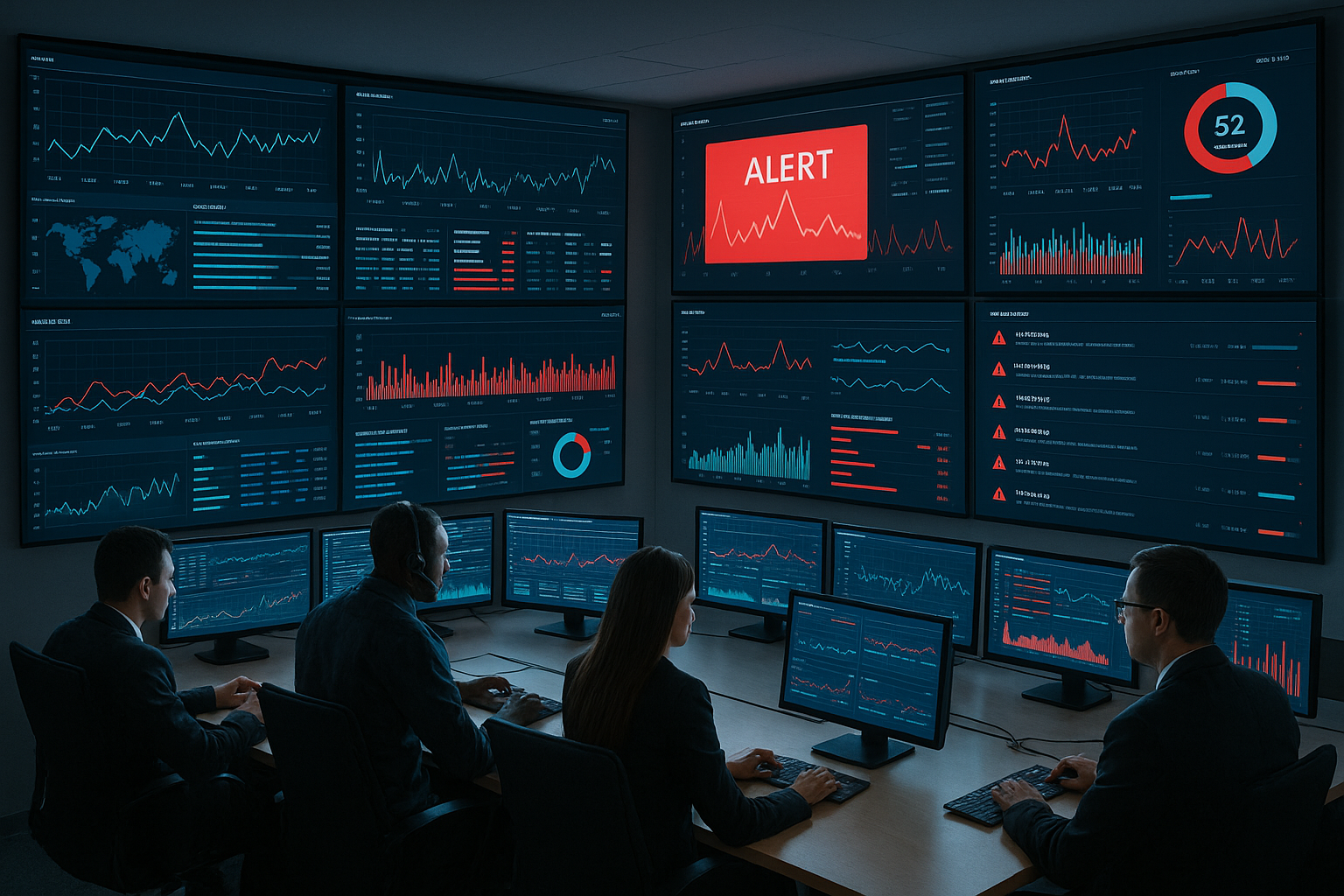
Microsoft Sentinel SOC Modernization: A Practical Guide for Security Teams
Security operations centers face mounting pressure to consolidate tools, reduce costs, and improve threat detection across increasingly complex environments. Legacy SIEM platforms struggle with cloud workloads, multicloud visibility gaps, and rigid pricing models that penalize growth. Microsoft Sentinel addresses these challenges through cloud-native architecture, native integration with Microsoft security products, and AI-driven analytics that scale without infrastructure overhead.
This guide examines how security teams can modernize SOC operations using Microsoft Sentinel, covering practical migration strategies, platform capabilities, cost optimization approaches, and real-world implementation considerations. The focus remains on actionable steps for practitioners navigating platform transitions rather than vendor promotion or theoretical concepts.
Understanding Microsoft Sentinel Architecture
Microsoft Sentinel operates as a cloud-native SIEM and SOAR platform built on Azure infrastructure. Unlike traditional SIEMs requiring on-premises servers and capacity planning, Sentinel uses a pay-as-you-go model where organizations pay only for data ingested and stored. This fundamental shift changes both operational economics and deployment patterns for security teams.
The platform’s architecture centers on three core components: data collection and normalization, threat detection and analytics, and investigation and response capabilities. These layers work together to create unified visibility across cloud services, on-premises systems, and third-party applications.
Data Collection and Normalization
Sentinel aggregates security data through connectors that integrate with Microsoft services, third-party platforms, and custom sources. Native connectors for Azure Active Directory (now Microsoft Entra ID), Microsoft 365, and Azure resources provide real-time log streaming without additional configuration. Organizations running hybrid environments can deploy agents or use API-based connectors for non-Microsoft systems.
The platform normalizes incoming data into standardized schemas, enabling consistent querying across diverse sources. This normalization happens automatically for Microsoft services but requires mapping for third-party logs. Teams transitioning from legacy SIEMs often underestimate the effort required to recreate custom parsers and normalization rules in Sentinel’s Kusto Query Language (KQL).
Sentinel Data Lake for Cost-Optimized Storage
Microsoft introduced the Sentinel data lake to address long-term retention costs and enable advanced analytics. The data lake stores security telemetry in Delta Parquet format within Microsoft OneLake, separating hot analytics data from cold storage archives. This architecture reduces costs for organizations retaining logs for compliance or historical threat hunting.
Practical applications include retroactive indicator-of-compromise (IOC) matching against historical data without re-ingesting logs. Security teams can run KQL queries across years of stored activity logs, user behavior patterns, and asset inventories while paying significantly less than traditional SIEM hot storage rates. The data lake also supports integration with Microsoft Fabric for advanced analytics and machine learning model development.
Organizations implementing this approach should establish data retention policies early in deployment. Typical configurations keep 90 days in hot analytics storage with automatic archival to the data lake for extended retention. Teams can recall archived data when investigating historical incidents or validating detection coverage gaps.
Integration with Microsoft Defender XDR
Defender XDR integration transforms how SOC teams handle incidents across endpoints, identities, email, and cloud applications. Rather than managing separate alert queues from Defender for Endpoint, Defender for Identity, Defender for Office 365, and Defender for Cloud Apps, Sentinel unifies these signals into correlated incidents with enriched context.
This unification reduces alert fatigue and accelerates triage. When Defender for Endpoint detects suspicious PowerShell execution, Defender for Identity identifies concurrent lateral movement attempts, and Defender for Office 365 flags related phishing emails, Sentinel automatically groups these alerts into a single incident with timeline visualization and entity relationships.
Security analysts access these unified incidents through the Microsoft Defender portal, which now includes Sentinel capabilities under the unified security operations platform. Teams can investigate incidents using both Defender’s threat intelligence enrichment and Sentinel’s advanced hunting queries without switching interfaces. This consolidation particularly benefits organizations already invested in Microsoft security products.
Detection Engineering and Custom Analytics
Sentinel provides multiple detection mechanisms: built-in analytics rules, scheduled queries, near-real-time rules, and machine learning behavioral analytics. Understanding when to use each approach impacts both detection coverage and operational costs.
Built-in analytics rules offer pre-configured detections for common attack patterns like brute force attempts, anomalous sign-ins, and malware execution. These rules activate immediately upon enabling relevant data connectors and require minimal customization. Early-career analysts often start here when building initial detection coverage.
Custom detections using KQL enable teams to create organization-specific rules reflecting unique environment baselines and threat models. Examples include detecting unauthorized access to sensitive SharePoint sites, unusual API call patterns against Azure resources, or configuration changes to critical infrastructure. Effective custom detections balance sensitivity with false positive rates through proper threshold tuning and exclusion filters.
Scheduled queries run periodically against log data and generate alerts when conditions match. Near-real-time rules process data streams with minimal latency, triggering alerts within minutes of suspicious activity. Teams should reserve near-real-time detection for high-priority scenarios where rapid response prevents damage, as these rules consume more resources than scheduled queries.
Machine learning capabilities identify anomalous behavior patterns without explicit rule definitions. User and Entity Behavior Analytics (UEBA) establishes baselines for normal activity and flags deviations like unusual sign-in locations, atypical resource access, or abnormal data exfiltration volumes. These detections complement rules-based approaches by catching unknown threats that evade signature-based detection.
Automated Response with SOAR Playbooks
Security Orchestration, Automation, and Response (SOAR) capabilities in Sentinel reduce manual response tasks through Logic Apps-based playbooks. Common automation scenarios include isolating compromised endpoints, blocking malicious IP addresses, creating ticketing system incidents, and enriching alerts with threat intelligence.
Playbooks trigger automatically when incidents match defined criteria or run on-demand during investigations. A typical automated response workflow might isolate an infected endpoint through Defender for Endpoint API, block associated indicators in network firewalls, notify the security team via Microsoft Teams, and create a ServiceNow ticket—all within seconds of alert generation.
Organizations new to SOAR should start with simple notification and enrichment playbooks before implementing automated containment actions. Teams often begin by automating threat intelligence lookups against VirusTotal or AbuseIPDB, then progress to controlled remediation like disabling compromised user accounts or quarantining malicious emails. Establishing approval workflows for high-impact actions prevents automation from causing business disruption.
The Four-Step SOC Modernization Framework
Practitioners implementing Sentinel typically follow a phased approach covering data collection, detection engineering, investigation capabilities, and response automation. This framework reduces migration risks while building team competency incrementally.
Step One: Establish Data Collection
Initial deployments focus on activating high-value connectors and validating data flow. Priority sources include identity logs (Entra ID sign-ins and audit logs), endpoint telemetry (Defender for Endpoint), cloud infrastructure (Azure Activity logs), and email security (Defender for Office 365). Teams should verify data appears correctly in Sentinel and confirm expected log volumes before proceeding.
Non-Microsoft data sources require additional planning. Organizations running AWS workloads deploy connectors for CloudTrail and VPC Flow Logs. Teams with on-premises infrastructure install Log Analytics agents or configure syslog forwarding for firewalls, proxies, and critical servers. Third-party security tools often provide API-based connectors or Common Event Format (CEF) log forwarding options.
Cost planning during this phase prevents budget surprises. Teams should estimate daily log volumes from each source and calculate monthly ingestion costs using Microsoft’s pricing calculator. Organizations with high log volumes might use data collection rules to filter unnecessary events before ingestion or implement log routing to lower-cost storage tiers.
Step Two: Deploy Detection Capabilities
After establishing stable data collection, teams activate analytics rules aligned with MITRE ATT&CK framework coverage goals. Microsoft provides detection templates for common tactics and techniques, which teams can enable and customize based on environment specifics.
Detection tuning represents ongoing work rather than one-time configuration. Analysts track false positive rates for each rule and refine thresholds, exclusions, or detection logic to improve signal quality. Documenting tuning decisions and baseline assumptions helps maintain detection accuracy as environments evolve.
Teams should implement detection coverage tracking to identify gaps in visibility. Mapping active detections against the MITRE ATT&CK matrix reveals which techniques lack monitoring and guides future detection development priorities. This structured approach ensures balanced coverage across attack lifecycle phases rather than overweighting specific areas.
Step Three: Build Investigation Workflows
Effective incident investigation requires tools, procedures, and team training working together. Sentinel provides entity pages that aggregate all activities related to users, devices, IP addresses, and other objects, creating investigation starting points. The incident timeline visualizes event sequences and relationships between entities involved in security events.
Teams benefit from creating investigation playbooks documenting standard procedures for common incident types. These documents guide analysts through data sources to check, typical attacker patterns, and decision trees for escalation. New analysts particularly rely on these resources when handling unfamiliar scenarios.
Advanced hunting using KQL enables deeper threat hunting and hypothesis testing. Experienced analysts write queries to search for specific indicators, validate detection coverage, or investigate suspected breaches. Organizations should invest in KQL training for SOC staff, as query proficiency directly impacts investigation speed and depth.
Step Four: Implement Response Automation
The final maturity stage introduces automated response capabilities through Logic Apps playbooks. Teams should establish governance around automation, defining which actions require human approval versus full automation, acceptable business risk levels, and rollback procedures for automation failures.
Starting with read-only enrichment playbooks builds confidence before implementing write operations that modify production systems. Enrichment examples include querying threat intelligence feeds, gathering user context from HR systems, or retrieving asset criticality ratings from configuration management databases.
Progressive automation introduces controlled remediation actions as teams gain experience. Common progressions move from email quarantine and URL blocking to user account disablement and endpoint isolation for highest-severity incidents. Organizations maintain manual approval requirements for actions with potential business impact until automation demonstrates consistent reliability.
Addressing Common Migration Challenges
Teams moving from legacy SIEMs to Sentinel encounter predictable challenges around content migration, skill development, and operational continuity. Understanding these obstacles and mitigation strategies reduces transition friction.
Detection Content Migration
Legacy SIEM rules rarely translate directly to Sentinel due to different query languages, data schemas, and platform capabilities. Rather than attempting one-to-one rule conversion, teams should prioritize recreating high-value detections and use the migration as an opportunity to eliminate obsolete or low-quality rules.
Organizations often discover their legacy SIEM contains hundreds of rules with minimal tuning, many generating alerts that analysts ignore. Migration projects should include detection effectiveness reviews, keeping only rules that consistently identify real threats. Teams can supplement with Sentinel’s built-in analytics templates, which often provide better coverage for common attack patterns than custom legacy rules.
Content migration works best when approached iteratively. Teams implement critical detections first, validate alert quality, then gradually add secondary detections. This phased approach prevents overwhelming analysts with alert floods during transitions and allows time to establish new investigation workflows.
Skill Development and Training
Sentinel requires different skills than traditional SIEMs, particularly KQL proficiency for queries and detection development. Organizations should budget time for team training rather than expecting immediate productivity. Microsoft provides learning paths, documentation, and hands-on labs, but practical experience remains the most effective teacher.
Teams benefit from designating Sentinel champions who develop deep platform expertise and support other analysts. These champions handle complex query development, troubleshoot integration issues, and serve as internal resources for questions. Rotating the champion role builds broader team capability over time.
External support through managed security service providers (MSSPs) can bridge capability gaps during transitions. MSSPs provide 24/7 monitoring while internal teams develop Sentinel proficiency, reducing risks of missed detections during learning phases. This approach works particularly well for small security teams lacking depth for continuous coverage.
Maintaining Operational Continuity
Running legacy SIEM and Sentinel in parallel during transitions maintains security coverage but creates operational overhead. Teams monitor both platforms, investigate alerts from both systems, and maintain detections in both environments. This dual burden extends migrations if not carefully managed.
Organizations should establish clear cutover criteria and timelines rather than indefinite parallel operations. Typical criteria include matching detection coverage between platforms, stable data collection from all critical sources, and demonstrated analyst proficiency with Sentinel investigations. Setting firm cutover dates creates urgency for completing migration tasks and prevents drift toward perpetual dual operations.
Communication with stakeholders throughout migrations prevents surprises. Security teams should brief leadership on migration timelines, temporary coverage gaps, and potential incident response impacts. Documenting decisions, progress, and issues creates accountability and supports resource requests when challenges emerge.
Cost Optimization Strategies
Sentinel’s consumption-based pricing creates opportunities for cost optimization but requires active management. Organizations ingesting terabytes daily find costs escalate quickly without intentional controls.
Data ingestion represents the primary cost driver. Teams should evaluate each data source’s value against ingestion costs, filtering verbose logs with limited security value. Common optimization targets include overly detailed application logs, redundant data from multiple sources, and high-volume events that don’t support detection use cases.
Commitment tier pricing reduces ingestion costs by 30-50% for organizations with predictable log volumes. Rather than pay-as-you-go rates, teams commit to daily ingestion volumes and receive discounted rates. This approach works well for stable environments but creates cost risks if actual ingestion falls below committed levels.
The Sentinel data lake provides long-term retention at fraction of hot storage costs. Organizations requiring multi-year log retention for compliance can ingest data, keep 90 days in analytics storage, then automatically archive to the data lake. Archived data remains searchable but with higher query latency, acceptable for historical investigations.
Multicloud and Hybrid Visibility
Organizations running workloads across AWS, Google Cloud Platform, and on-premises infrastructure need unified security visibility. Sentinel supports multicloud deployments through native connectors for AWS services, GCP integrations, and traditional syslog or API-based ingestion for on-premises systems.
AWS integration relies on CloudTrail for control plane activity, VPC Flow Logs for network visibility, and GuardDuty for threat detection findings. Teams deploy connectors that pull these logs into Sentinel, normalizing them alongside Azure and Microsoft 365 telemetry. Cross-cloud correlation detects attack patterns spanning multiple environments, like credential theft in AWS followed by lateral movement into Azure resources.
On-premises visibility requires agents or log forwarders deployed to critical infrastructure. Linux and Windows systems can install Log Analytics agents for direct ingestion, while network devices, firewalls, and security appliances typically forward syslog to collection points that relay data to Sentinel. Organizations with significant on-premises footprints often deploy dedicated log forwarding infrastructure to aggregate and filter logs before cloud transmission.
Real-world implementations demonstrate these patterns. Higher education institutions integrate student endpoint logs, campus network traffic, and cloud learning platforms into unified SOC visibility. Healthcare organizations correlate electronic health record access logs with network traffic and identity systems to detect unauthorized patient data access across hybrid infrastructure.
Career Implications and Skill Development
Sentinel adoption creates demand for professionals with cloud security operations skills, KQL proficiency, and automation development capabilities. The job market increasingly expects security analysts to work comfortably with cloud-native tools rather than only traditional SIEM platforms.
Entry-level positions now emphasize foundational knowledge of cloud platforms, basic query writing, and understanding of modern detection approaches. Candidates demonstrating hands-on Sentinel experience through labs, personal projects, or certifications gain advantages over those familiar only with legacy tools. Microsoft’s SC-200 Security Operations Analyst certification validates Sentinel competency and helps early-career professionals demonstrate practical skills.
Mid-career professionals transitioning from traditional SOC roles should focus on developing cloud security fundamentals alongside Sentinel-specific skills. Understanding Azure architecture, identity systems like Entra ID, and cloud security concepts provides context that makes Sentinel capabilities more intuitive. Professionals with strong KQL skills find opportunities in detection engineering, threat hunting, and security data analysis roles.
Organizations value practitioners who combine security knowledge with automation development capabilities. Security analysts who can build Logic Apps playbooks, integrate APIs, and automate response workflows create measurable efficiency improvements. These skills remain transferable across security platforms, making them worthwhile investments regardless of specific tool choices.
Making the Platform Decision
Sentinel fits specific organizational profiles better than others. Companies heavily invested in Microsoft 365, Azure infrastructure, and Defender security products gain natural advantages from native integrations and unified incident management. Organizations running primarily on AWS, Google Cloud, or multi-vendor environments might find alternatives like Splunk Cloud, Sumo Logic, or vendor-neutral platforms better aligned with their architectures.
Cost considerations should include not just licensing but total operational costs: staff training, content development, integration efforts, and ongoing management overhead. Sentinel’s consumption pricing creates budget predictability challenges compared to fixed-license models, particularly for organizations with volatile log volumes or seasonal traffic patterns.
Teams should evaluate Sentinel through proof-of-concept deployments before committing to full migrations. POCs validate data collection from critical sources, test detection effectiveness, confirm integration requirements, and surface unexpected challenges. Microsoft offers trial environments and migration assistance programs that reduce POC barriers.
Security platform consolidation represents a strategic decision rather than purely technical choice. Successful implementations require executive support, adequate resources for migration work, realistic timelines acknowledging learning curves, and commitment to ongoing platform optimization. Organizations treating Sentinel as a project rather than operational capability often struggle with adoption and fail to realize expected benefits.
Moving Forward with SOC Modernization
Modernizing security operations through platforms like Microsoft Sentinel addresses real challenges: fragmented visibility, overwhelming alert volumes, skill shortages, and escalating costs. Cloud-native architecture enables capabilities impossible with traditional SIEMs while creating new operational patterns that security teams must learn and adapt to.
Success requires balancing technical implementation with team development, process evolution, and realistic expectations about timelines and challenges. Organizations that invest in training, establish clear migration plans, and commit to ongoing optimization realize meaningful improvements in threat detection, investigation efficiency, and operational costs.
Security professionals entering or advancing in this field should develop cloud security fundamentals, practice query writing and automation development, and seek hands-on experience with modern security operations platforms. The shift from legacy to cloud-native security tools creates opportunities for those willing to develop new skills and adapt to evolving operational models.
Enjoyed this article?
Subscribe to Professor Simon's weekly newsletter for practical insights, career guidance, and leadership lessons delivered every Friday.
A confirmation email will be sent. If you don't receive it, please check your spam or junk folder.
No spam. Unsubscribe anytime.
Prefer to Listen?
Listen to Professor Simon’s IT & Cybersecurity Podcast for practical conversations about cybersecurity careers, certifications, security leadership, and real-world lessons from the field.
Listen on Spotify