Why Phishing Click Rates Are a Bad Security Metric
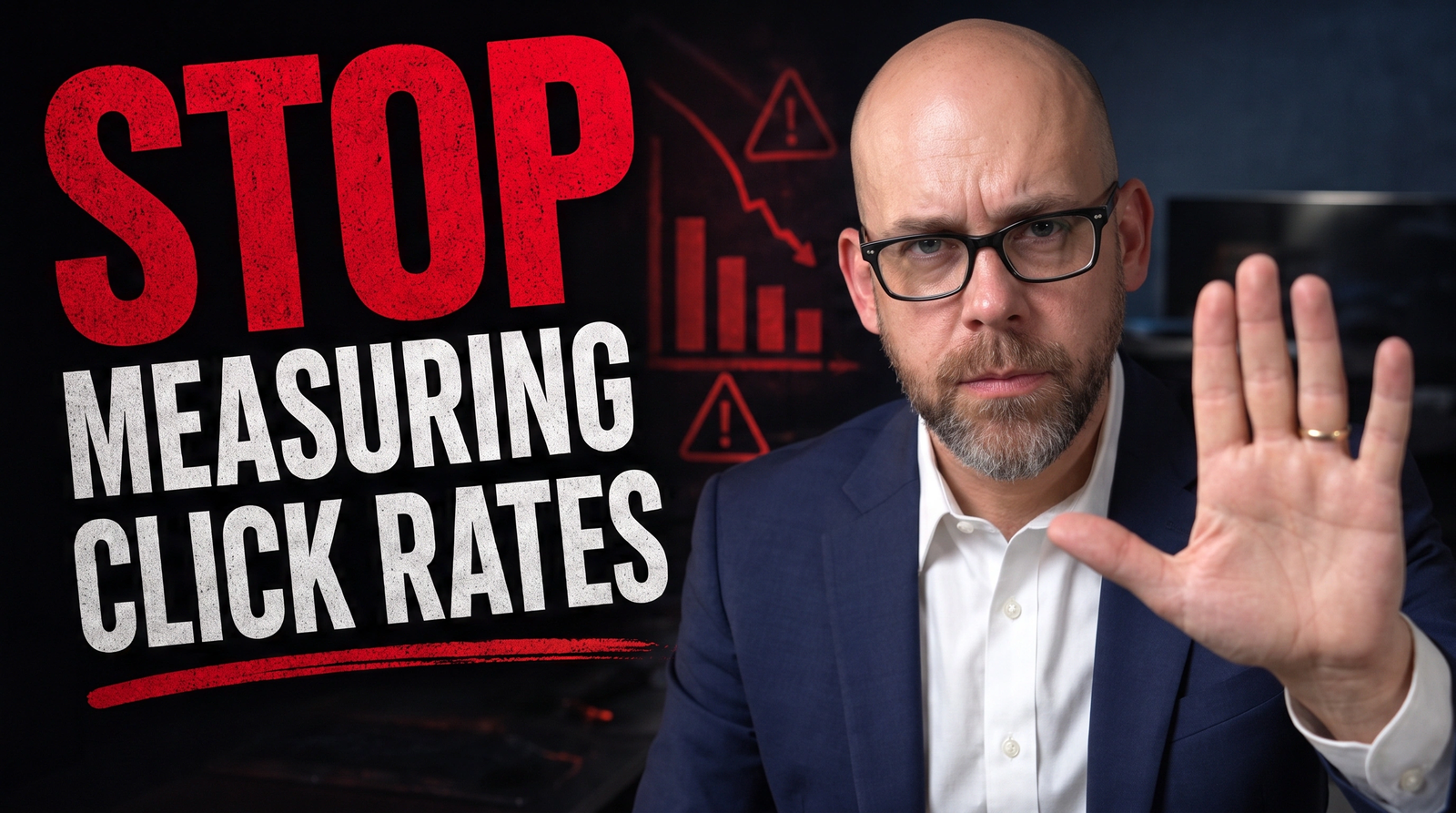
Most organizations measure security awareness program success by tracking phishing simulation click rates. When that percentage drops from fifteen percent to eight percent, leadership celebrates. The security team gets recognition for improving employee behavior.
But here is the uncomfortable truth: a declining click rate often means your employees are getting better at recognizing your simulations, not that they are developing the judgment to protect your organization from real attacks.
I understand why click rates became the default metric. They are simple to track, easy to explain to executives, and they show clear progress over time. When you need to justify your security awareness budget, a chart showing declining click rates makes a compelling case.
The problem is not that click rates are meaningless. They do tell you something. The problem is that we have mistaken one limited data point for a comprehensive measure of security culture, and that mistake leaves organizations vulnerable in ways they do not realize.
Prefer to read the full breakdown? Keep scrolling. Prefer to watch? Full video above.
What Click Rates Actually Measure
A click rate tells you what percentage of employees clicked a link in a specific simulated phishing message at a specific moment in time. That is all it tells you.
It does not tell you whether the employee recognized the message as suspicious before clicking. It does not tell you whether they would have entered credentials on a fake login page. It does not tell you whether they reported the message to your security team. It does not tell you what they did after clicking.
Two employees might have identical click behavior in your metrics while having completely different levels of security awareness. One might click out of curiosity, immediately recognize something is wrong, and report it to IT within minutes. The other might click, enter their credentials, and never mention it to anyone.
Your click rate treats these two people identically.
Click rates measure a binary outcome at a single point in the decision chain. They capture one moment of behavior without any of the context that would tell you whether that behavior indicates a security problem or not.
This matters because the click itself is rarely the critical security failure. The critical failures happen in the decisions that come after: entering credentials, downloading attachments, transferring money, sharing sensitive information, or failing to report suspicious activity.
Why Employees Get Better at Simulations Without Getting More Secure
After organizations run phishing simulations for several months, something predictable happens. Click rates start declining. Security teams present these declining numbers as evidence that training is working.
Sometimes training is working. But often, employees are simply learning to recognize the simulations.
They notice that phishing tests always come from certain types of external addresses. They recognize the landing page your testing platform uses. They remember that simulations typically arrive on Tuesday mornings. They learn that messages about package deliveries or password resets during certain times of year are probably tests.
This is pattern recognition, not security judgment. It is the same skill students develop when they learn to recognize types of test questions without necessarily understanding the underlying material.
The distinction matters because pattern recognition does not transfer to novel situations. An employee who has learned to avoid your simulations might still click a real phishing message that uses different infrastructure, arrives at an unexpected time, or employs social engineering techniques you have not tested.
I have seen organizations where click rates dropped below five percent while real phishing attacks that made it past email filters achieved click rates above twenty percent. The simulations and the real attacks looked different enough that employees’ pattern recognition did not help them.
This creates a dangerous illusion of security. Leadership sees declining click rates and assumes the organization is becoming more resilient. Meanwhile, employees remain vulnerable to any attack that does not match the patterns they have learned to recognize.
The Behaviors That Matter More Than Click Rates
If click rates do not tell you whether your security culture is improving, what does?
Start with reporting behavior. An employee who clicks a suspicious link but immediately reports it to your security team provides more organizational value than an employee who simply deletes suspicious messages without clicking them.
The employee who reports helps your security team identify real attacks in progress. They give you the opportunity to block the threat before it reaches other employees, to identify compromised credentials, or to understand new attack techniques targeting your organization.
The employee who quietly deletes suspicious messages protects themselves but leaves everyone else vulnerable. If a sophisticated phishing campaign is hitting your organization, you want to know about it, even if some employees successfully avoid it.
Yet most organizations do not track reporting rates with anywhere near the rigor they apply to click rates. They cannot tell you what percentage of simulated phishing messages get reported, how quickly employees report them, or whether reporting rates are improving over time.
Post-click behavior matters too. When someone clicks a link in a simulation, what happens next? Do they enter credentials on the fake login page? Do they download the simulated malware? Do they report the incident after clicking? How long does it take them to report?
These behaviors reveal security judgment in ways that the initial click does not. An employee who clicks but then recognizes the fake login page and reports it demonstrates exactly the kind of judgment you want to develop. An employee who clicks and enters credentials without question reveals a more significant security gap.
Response to realistic or targeted attacks provides another critical data point that click rates miss entirely. Most phishing simulations test recognition of generic patterns: suspicious links, urgent language, requests for credentials. But the attacks that cause the most damage usually do not look like generic phishing.
Business email compromise attacks use compromised internal accounts or carefully spoofed executive identities. Targeted attacks incorporate research about your organization, your projects, and your people. Social engineering extends beyond email to phone calls, text messages, and other channels.
Your click rate on a generic “Your package is waiting” simulation tells you nothing about how employees would respond to a carefully crafted message that appears to come from your CFO requesting an urgent wire transfer.
What Aggregate Numbers Hide
Organization-wide click rates create another problem: they hide patterns that matter.
Imagine your organization has a ten percent click rate. That sounds reasonable. Many security teams would be satisfied with that number. But that ten percent could represent two very different situations.
In the first situation, ten percent of your employees clicked once over the course of a year. Failures are distributed across the organization. Most people who clicked had been with the company less than six months or worked in roles with limited security training.
In the second situation, two percent of your employees account for all the clicks, and they click repeatedly. The same individuals fail simulation after simulation, month after month.
These scenarios indicate completely different problems requiring completely different responses. The first might suggest you need better onboarding training. The second suggests you have a small group of high-risk individuals who need targeted intervention.
Aggregate click rates make both situations look identical. They let you report a nice number to leadership while missing concentrations of risk that could indicate compromised accounts, insider threats, or individuals in sensitive roles who lack basic security judgment.
Understanding whether failures are distributed or concentrated requires tracking behavior at the individual level over time, not just calculating organization-wide percentages after each simulation.
The Perverse Incentives Problem
Here is where metric pressure becomes actively harmful: when security teams face expectations to show declining click rates, they face a choice.
They can run realistic simulations that mimic actual attack techniques targeting their organization. These simulations provide valuable training and reveal genuine security gaps. They also often produce higher click rates, especially when introducing new attack patterns employees have not seen before.
Or they can run simulations that employees have learned to recognize, that follow predictable patterns, and that produce the declining click rates leadership expects to see.
The incentive structure pushes toward the second option. Nobody wants to explain to executives why click rates went up this quarter. Nobody wants their program to appear less effective because they introduced more realistic testing.
This creates a situation where optimizing for the metric makes the organization less prepared for real attacks. Security teams avoid realistic simulations because they make the numbers look bad, even though those realistic simulations would provide more valuable training.
I have seen this play out repeatedly. A security team introduces a business email compromise simulation using a spoofed executive email address. The click rate jumps to twenty-five percent because employees have not seen this pattern before. Leadership questions whether the security awareness program is failing. The security team goes back to more familiar simulation patterns to get the numbers back down.
Everyone feels better about the metrics. The organization remains unprepared for business email compromise attacks.
Building a Better Measurement Approach
The solution is not to stop running phishing simulations or tracking click rates. Both can remain part of your security awareness program. The solution is to stop treating click rates as a comprehensive measure of program effectiveness.
Track reporting rates with the same rigor you apply to click rates. Measure what percentage of simulated phishing messages get reported, how quickly employees report them, and whether reporting rates improve over time. Set a goal that reporting rates should increase even if click rates plateau.
Monitor repeat behavior rather than only aggregate numbers. Identify individuals who repeatedly click simulations and provide targeted support. Pay attention to whether the same people consistently make mistakes or whether failures are distributed across your employee population.
Measure post-click behavior in your simulations. Configure your testing platform to track whether employees who click a link then enter credentials, whether they report the incident afterward, and how long it takes them to report. These behaviors often matter more than the initial click.
Use varied and realistic simulation techniques that mirror actual threats your organization faces. Accept that realistic simulations may produce higher click rates initially but provide more valuable training. Educate leadership that click rate variation is normal and expected when testing different scenarios.
Establish baseline measurements beyond click rates before launching or changing programs. Track metrics like time to report suspicious messages, percentage of real threats reported by employees, and employee confidence in recognizing social engineering. Use multiple metrics together to assess program effectiveness.
When presenting to leadership, provide context for click rates rather than treating them as the primary success indicator. Explain what the number means, what it does not mean, and what other metrics reveal about actual security culture improvement.
Moving Forward
Phishing simulations remain a valuable tool for security awareness training. Click rates remain a useful data point. But we need to be honest about what they measure and what they miss.
A declining click rate shows that employees are getting better at recognizing your simulations. It might indicate improving security awareness, or it might indicate pattern recognition and simulation fatigue. Without additional metrics, you cannot tell the difference.
The organizations that build genuine security cultures track behavior beyond clicks. They measure reporting. They analyze repeat failures. They assess response to realistic attacks. They recognize that the goal is not to train employees to avoid obvious tests but to develop judgment that transfers to novel situations.
If your organization currently relies primarily on click rates to measure security awareness program effectiveness, start by asking what those numbers do not tell you. Identify the behaviors that would actually indicate improving security culture. Figure out how to measure those behaviors alongside click rates.
You might find that your program is working better than click rates suggest. Or you might find that declining click rates have been masking problems you need to address. Either way, you will have a more accurate picture of your actual security posture.
Practical Takeaway: Audit your current security awareness metrics this week. Make a list of the behaviors that would indicate genuine security culture improvement in your organization: reporting rates, time to report, repeat behavior patterns, response to realistic attacks. Then identify which of those behaviors you are not currently measuring. That gap between what matters and what you measure is where your program improvement should focus.
Start small. Pick one additional metric to track alongside click rates. See what it reveals about employee behavior that click rates alone were hiding. Then build from there.
Tagged:
Enjoyed this article?
Subscribe to Professor Simon's weekly newsletter for practical insights, career guidance, and leadership lessons delivered every Friday.
A confirmation email will be sent. If you don't receive it, please check your spam or junk folder.
No spam. Unsubscribe anytime.
Prefer to Listen?
Listen to Professor Simon’s IT & Cybersecurity Podcast for practical conversations about cybersecurity careers, certifications, security leadership, and real-world lessons from the field.
Listen on Spotify