The Hidden Psychology Behind Security Alerts: Why We Click Yes When We Should Say No
The Hidden Psychology Behind Security Alerts: Why We Click Yes When We Should Say No
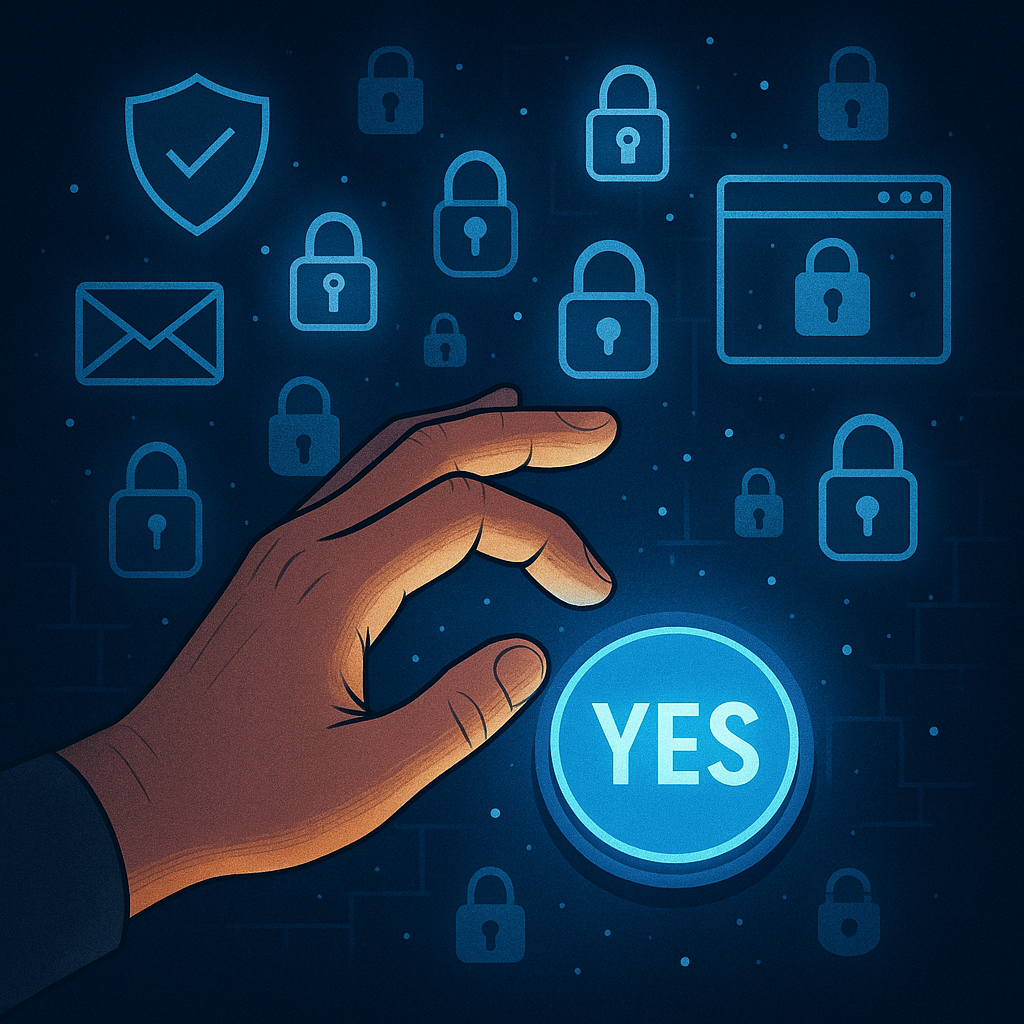
Every day, millions of professionals pick up their phones to find yet another security notification demanding their attention. The screen lights up with a simple question: “Was this you trying to sign in?” The instinct is immediate—tap “Yes” just to make it stop buzzing. This seemingly harmless reflex has become one of the most exploited vulnerabilities in modern cybersecurity, costing organizations billions in breaches and compromised accounts.
The phenomenon is called MFA fatigue, and it represents a critical intersection between human psychology and digital security. Understanding why the brain responds this way to security alerts—and what to do about it—matters for anyone managing personal or professional accounts in an era where authentication prompts have become as common as text messages.
What Happens in Your Brain When Alerts Keep Coming
The human brain evolved to respond efficiently to threats and stimuli, but that efficiency comes with predictable weaknesses. When the same notification appears repeatedly, the brain begins a process called habituation—essentially learning to ignore the stimulus as non-threatening background noise.
This response worked well when the repeated stimulus was wind rustling leaves or distant animal sounds. In a digital context, it creates disaster. After the fifth, tenth, or twentieth authentication prompt, the brain categorizes the alert as an annoyance rather than a decision requiring careful thought. The prefrontal cortex, responsible for complex decision-making, gradually disengages. What remains is a simple reflex: make the buzzing stop.
Security researchers and behavioral psychologists recognize this as decision fatigue compounded by notification overload. Each prompt requires cognitive energy to evaluate—energy that depletes with every repetition. Eventually, the path of least resistance becomes the default choice, regardless of whether the prompt represents a legitimate login attempt or an attacker’s request.
The Mechanics of MFA Bombing Attacks
Attackers have weaponized this psychological vulnerability through a technique called MFA bombing or push bombing. The attack is elegantly simple and devastatingly effective.
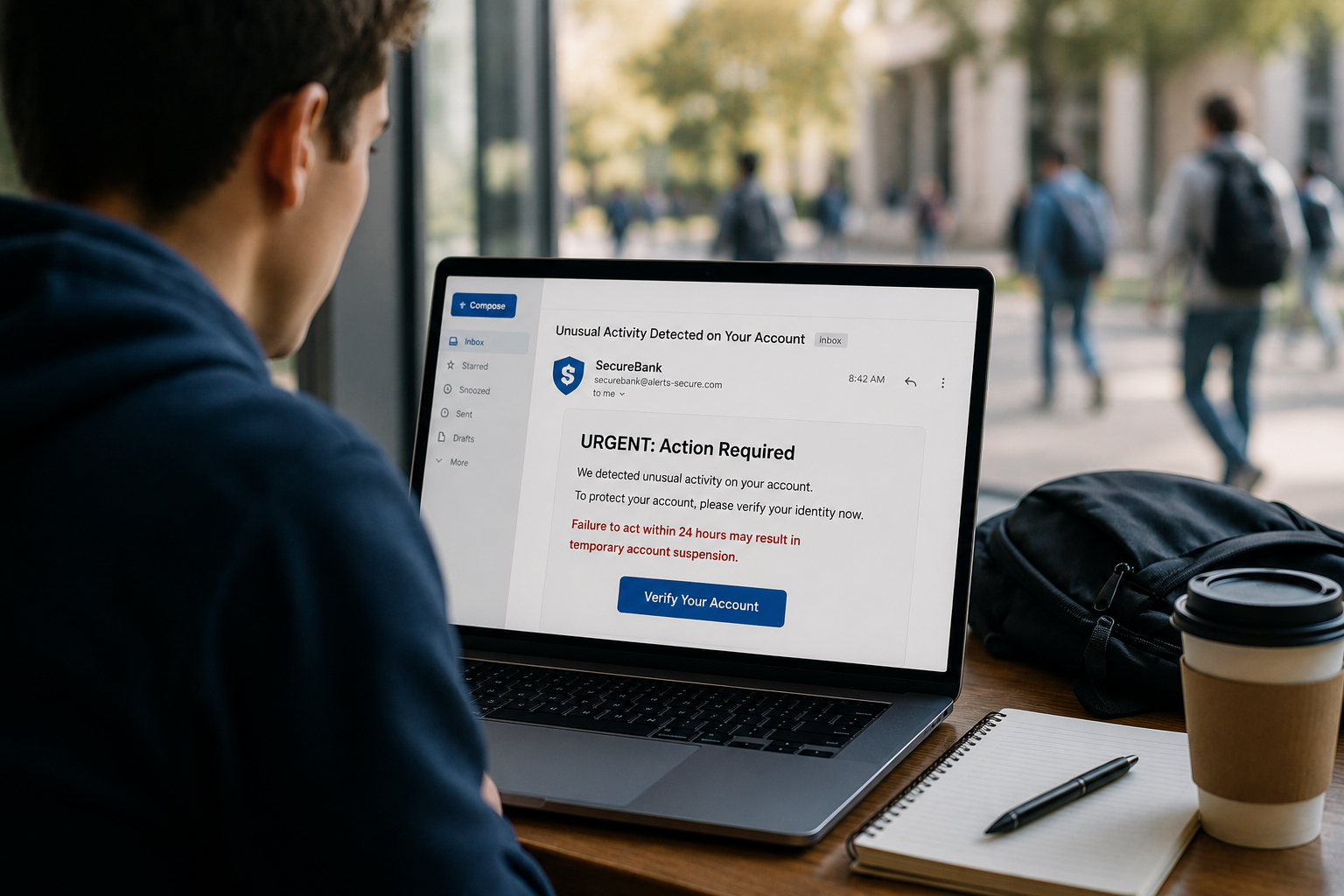
An attacker obtains a target’s username and password through phishing, credential stuffing, or purchasing leaked credentials from data breach marketplaces. With these credentials in hand, the attacker doesn’t try to bypass the second factor. Instead, they trigger it repeatedly—sometimes sending fifty, sixty, or even one hundred legitimate authentication prompts to the victim’s phone within a single hour.
The prompts are real. They come from legitimate services like Microsoft Azure Active Directory, Google Workspace, or corporate VPN systems. The victim’s phone buzzes constantly. Notifications pile up. The user becomes frustrated, confused, and exhausted. Eventually, often around prompt number forty or fifty, the user clicks “Approve” just to end the assault on their attention.
The attacker gains access immediately. No sophisticated exploit required. No zero-day vulnerability leveraged. Just an understanding of human behavior under stress.
Microsoft security reports from 2023 and 2024 document significant increases in MFA bombing attacks targeting enterprise accounts. CISA, the Cybersecurity and Infrastructure Security Agency, has issued explicit guidance acknowledging that traditional MFA implementations remain vulnerable to both phishing and fatigue-based attacks. The threat is real, documented, and growing.
Why Traditional MFA Falls Short Against Fatigue
The security industry widely adopted SMS codes and push notifications as second factors because they were convenient and accessible. Any user with a phone could receive a code or approve a prompt. The barrier to implementation was low, which drove rapid adoption across consumer and enterprise services.
These implementations share a critical flaw: they require active human decision-making at the moment of authentication. Every login becomes a test of attention, judgment, and resistance to psychological manipulation.
SMS codes can be intercepted, phished through fake login pages, or approved accidentally when the user isn’t paying attention. Push notifications are even more vulnerable because they reduce the decision to a binary choice presented during a moment of interruption. The cognitive load is minimal, which sounds like good user experience design until an attacker exploits that same low-friction interaction.
Email-based verification suffers from similar weaknesses. If an attacker has already compromised the email account, they control the second factor. If they haven’t, they can still trigger dozens of verification emails, training the user to ignore them or click through without reading.
The fundamental problem is structural: any MFA system that asks humans to make security decisions during moments of interruption will eventually fail because human attention is a limited, depletable resource.
Number Matching as a Partial Solution
Recognizing the severity of MFA fatigue, major platforms including Microsoft and Google have implemented number matching as a mitigation strategy. Instead of a simple “Approve” or “Deny” prompt, the user must type a specific number displayed on the login screen into their authenticator app.
This design introduces cognitive friction deliberately. The user cannot approve the request reflexively. They must read the number on one device, switch to another device, open the authenticator app, and manually enter the digits. This process forces a mental pause that breaks the automatic approval reflex.
Number matching reduces successful MFA bombing attacks significantly compared to simple push notifications. The additional cognitive step gives the brain a moment to question whether the login attempt is legitimate. If the user isn’t actively trying to sign in, the request to type a random number seems obviously suspicious.
However, number matching is a mitigation, not a solution. The user still receives the prompt. The phone still buzzes. After enough repetitions, even number matching becomes a routine task that the exhausted brain might complete just to restore peace. The attack surface shrinks but doesn’t disappear.
More critically, number matching still depends on the user making the correct decision under pressure. A panicked user who thinks their account might be locked out could still enter the number. A user who has been conditioned by fifty legitimate login prompts over the past week might enter it without thinking. The human remains the weakest link.
How FIDO2 Security Keys Eliminate the Psychology Problem
FIDO2 security keys and the WebAuthn standard represent a fundamentally different approach that removes human decision-making from the authentication equation entirely.
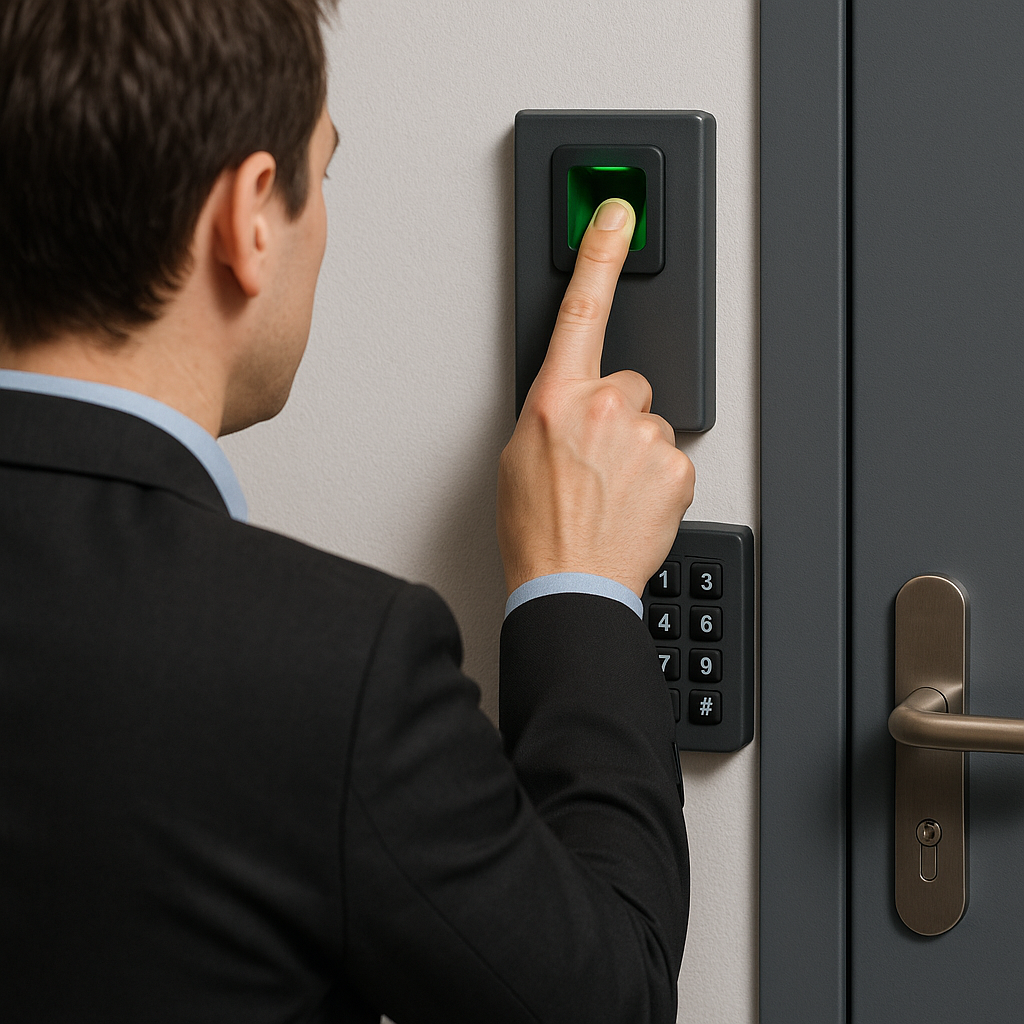
A FIDO2 security key is a small hardware device, typically USB or NFC-enabled, that stores cryptographic credentials. During setup, the key generates a unique public-private key pair for each service. The public key is stored with the service; the private key never leaves the physical device.
When authenticating, the service sends a challenge. The security key signs the challenge with the private key and returns the signature. The service verifies the signature using the stored public key. Authentication succeeds only if the signature is valid and the request came from the legitimate domain registered during setup.
The critical difference: no prompt appears on the user’s phone. No decision is required. The user inserts the key, touches a button on the device, and authentication completes. The entire second factor happens in two seconds with zero cognitive load.
An attacker cannot bombard the user with notifications because no notifications exist. An attacker cannot trick the user into approving a malicious login because there’s nothing to approve. An attacker cannot phish the credential because the private key physically cannot leave the security key hardware.
Domain binding provides an additional protection layer. The security key only responds to authentication requests from the exact domain registered during setup. If an attacker creates a phishing site at “micros0ft.com” instead of “microsoft.com,” the key will not respond at all. The user cannot make the wrong decision because the technology prevents the wrong interaction entirely.
SentinelOne’s analysis of phishing-resistant MFA emphasizes this structural advantage: asymmetric cryptography combined with domain binding makes credential theft technically impossible rather than merely difficult. The security model doesn’t depend on user vigilance. It depends on mathematics.
Passkeys: The Frictionless Evolution
Passkeys build on FIDO2 technology while removing even the physical key requirement. A passkey is essentially a FIDO credential stored in the device’s secure enclave or password manager, protected by biometric authentication or device PIN.
When signing into a service that supports passkeys, the user’s device receives the authentication challenge, prompts for biometric verification, and completes the login automatically. The experience is seamless, fast, and secure. Most importantly, it’s silent—no notifications, no prompts to approve, no opportunities for fatigue-based manipulation.
Apple, Google, and Microsoft have all implemented passkey support across their ecosystems. The FIDO Alliance reports that passkeys achieve 20% higher sign-in success rates compared to password-based authentication, largely because users cannot forget them or type them incorrectly.
From a psychology perspective, passkeys solve the alert fatigue problem by eliminating alerts. The authentication happens at the moment the user intends to sign in, not as an interruption requiring evaluation. The brain doesn’t experience decision fatigue because no decision is required beyond the natural act of unlocking the device.
The Cost-Benefit Reality Check
One objection to hardware security keys is cost. A quality FIDO2 security key like a YubiKey 5C NFC or Google Titan Security Key typically costs between $20 and $50. For students, recent graduates, or career changers building personal security practices, this represents a tangible expense.
The cost calculation looks different when weighed against potential losses. The average cost of identity theft remediation ranges from $1,000 to $5,000 in direct expenses, not counting time spent dealing with compromised accounts, frozen credit, and recovery processes. A corporate breach resulting from compromised employee credentials can cost millions in incident response, regulatory penalties, and reputation damage.
A $25 investment in two security keys—primary and backup—represents approximately 0.5% of the potential cost of a single identity theft incident. The expected value calculation favors protection overwhelmingly.
For organizations, the calculation is even clearer. Deploying FIDO2 keys at scale costs less than managing the fallout from a single MFA bombing attack that results in unauthorized access to corporate systems. MSPs and IT departments increasingly view hardware security keys not as a premium security option but as a baseline standard.
The Backup Key Strategy Nobody Talks About
The most common barrier to security key adoption is fear of lockout. The concern is legitimate: if you lose your only security key and have no backup authentication method, you could be permanently locked out of your accounts.
The solution is simple but requires intentional planning: always register two security keys with every service. Keep the primary key on a keychain for daily use. Store the backup key in a secure location at home—a safe, a locked drawer, or another physically secure space.
During account setup, most services that support FIDO2 allow registering multiple security keys. Register both immediately. Label them clearly—”Primary” and “Backup”—to avoid confusion.
This strategy eliminates lockout risk while maintaining the security benefits. If the primary key is lost, stolen, or damaged, the backup provides immediate access to remove the compromised key and order a replacement. The cost of a second $25 key is trivial compared to the stress and expense of account recovery procedures.
For students or early professionals managing multiple accounts—university email, personal email, cloud storage, banking—the total investment is two security keys that work across all services. The marginal cost per protected account approaches zero.
Understanding the Threat Landscape Shift
The security industry has spent decades focusing on sophisticated technical exploits: zero-day vulnerabilities, advanced persistent threats, complex malware. These threats remain real but represent a shrinking proportion of successful attacks.
Modern breaches increasingly succeed not through technical brilliance but through exploitation of human psychology. Attackers use social engineering, credential stuffing with leaked passwords, and fatigue-based attacks because they work. They’re easier, cheaper, and more reliable than developing novel exploits.
This shift has profound implications for personal security decisions. The assumption that “I’m not a valuable target” no longer provides protection. Attackers don’t need to specifically target individuals; they target psychological vulnerabilities that affect everyone.
Students managing university accounts, recent graduates building professional online presences, and early career professionals accessing corporate systems all face the same attacks as Fortune 500 executives. The tools are commodified. The techniques are documented. The barriers to entry are low.
Understanding this landscape shift reframes security decisions. The question isn’t whether sophisticated attackers might target you specifically. The question is whether you want to remain vulnerable to automated attacks that exploit psychological fatigue—attacks that scale to millions of potential victims simultaneously.
Practical Implementation for Different Audiences
For students and recent graduates, the implementation path is straightforward. Identify the accounts that matter most—email, cloud storage, financial accounts—and enable FIDO2 security key support on those services first. Google, Microsoft, Apple, Dropbox, and major banks all support security keys. Purchase two keys, register both with all services, and store the backup securely.
For early career professionals, coordinate with IT departments about corporate authentication policies. Many organizations now issue security keys to employees or allow bringing personal keys for corporate account access. Understanding corporate MFA policies and advocating for stronger authentication methods benefits both personal and organizational security.
For career changers entering IT or cybersecurity roles, hands-on experience with FIDO2 authentication provides valuable practical knowledge about modern security architecture. Setting up security keys on personal accounts demonstrates initiative and understanding of current best practices—experience worth mentioning in interviews and on resumes.
The implementation difficulty is minimal. Most services provide clear setup instructions. The entire process for a single account takes less than five minutes. The ongoing friction is nearly zero—inserting a key and touching a button becomes as automatic as unlocking a phone.
When Convenience and Security Align
The history of security technology is littered with solutions that were technically sound but failed because they made life harder for users. Complex password requirements led to passwords written on sticky notes. Frequent password changes led to predictable patterns. Security that requires constant cognitive effort eventually fails.
FIDO2 security keys and passkeys represent a rare alignment where the secure option is also more convenient. A two-second authentication with a physical key is faster than receiving a text message, opening it, memorizing a six-digit code, switching apps, and typing the code before it expires. Biometric authentication with a passkey is faster still.
This convenience isn’t a compromise on security—it’s the mechanism that enables security. By removing cognitive friction, the technology eliminates the psychological pressure that leads to poor decisions. Users aren’t choosing between convenience and security; they’re getting both from the same solution.
The broader lesson applies beyond authentication. Security systems that align with natural human behavior tend to succeed. Systems that require sustained vigilance, constant decision-making, or significant inconvenience tend to fail, regardless of their technical merits. Effective security design accounts for psychology as rigorously as cryptography.
Moving Beyond Password Psychology
The ultimate goal of FIDO2 technology and passkeys is making passwords obsolete. Passwords created the psychological vulnerabilities that attackers now exploit at scale. Passwords must be memorized, which leads to reuse. Reused passwords create credential stuffing opportunities. Stolen passwords enable MFA bombing attacks.
Eliminating passwords eliminates entire categories of psychological attack. No password means nothing to steal, reuse, phish, or guess. No password-plus-MFA prompt means no opportunity for fatigue-based manipulation. The attack surface shrinks dramatically when credentials are bound to physical devices or secure enclaves rather than human memory.
This transition is already underway. Major platforms have implemented passkey support. Enterprise identity providers support FIDO2 authentication. The technology is mature, standardized, and increasingly accessible. The remaining barrier is awareness and adoption.
For individuals building security practices that will serve them throughout their careers, understanding and adopting passwordless authentication represents both practical protection and professional development. The skill set matters. The firsthand experience matters. The security posture matters.
Taking Action Against Alert Fatigue
The psychological vulnerabilities that enable MFA fatigue attacks are not character flaws or lack of vigilance. They’re predictable responses to poorly designed security systems that demand sustained attention in environments full of interruptions and distractions. The solution is not trying harder to pay attention—it’s implementing technology that removes the decision point entirely.
For anyone receiving frequent authentication prompts and feeling the urge to just approve them and move on, that feeling is the vulnerability. Recognizing it is the first step. Eliminating the prompts through FIDO2 security keys or passkeys is the solution.
The investment is modest. The implementation is straightforward. The protection is comprehensive. The peace of mind is immediate. No more buzzing. No more decision fatigue. No more wondering whether clicking “Approve” just handed account access to an attacker.
Security that works with human psychology instead of against it creates better outcomes for everyone except attackers. That alignment—convenience, security, and psychological comfort working together—is what makes FIDO2 technology not just effective but sustainable for long-term protection.
Enjoyed this article?
Subscribe to Professor Simon's weekly newsletter for practical insights, career guidance, and leadership lessons delivered every Friday.
A confirmation email will be sent. If you don't receive it, please check your spam or junk folder.
No spam. Unsubscribe anytime.
Prefer to Listen?
Listen to Professor Simon’s IT & Cybersecurity Podcast for practical conversations about cybersecurity careers, certifications, security leadership, and real-world lessons from the field.
Listen on Spotify