How to Spot if Someone Is Real During Your Next Video Call
How to Spot if Someone Is Real During Your Next Video Call
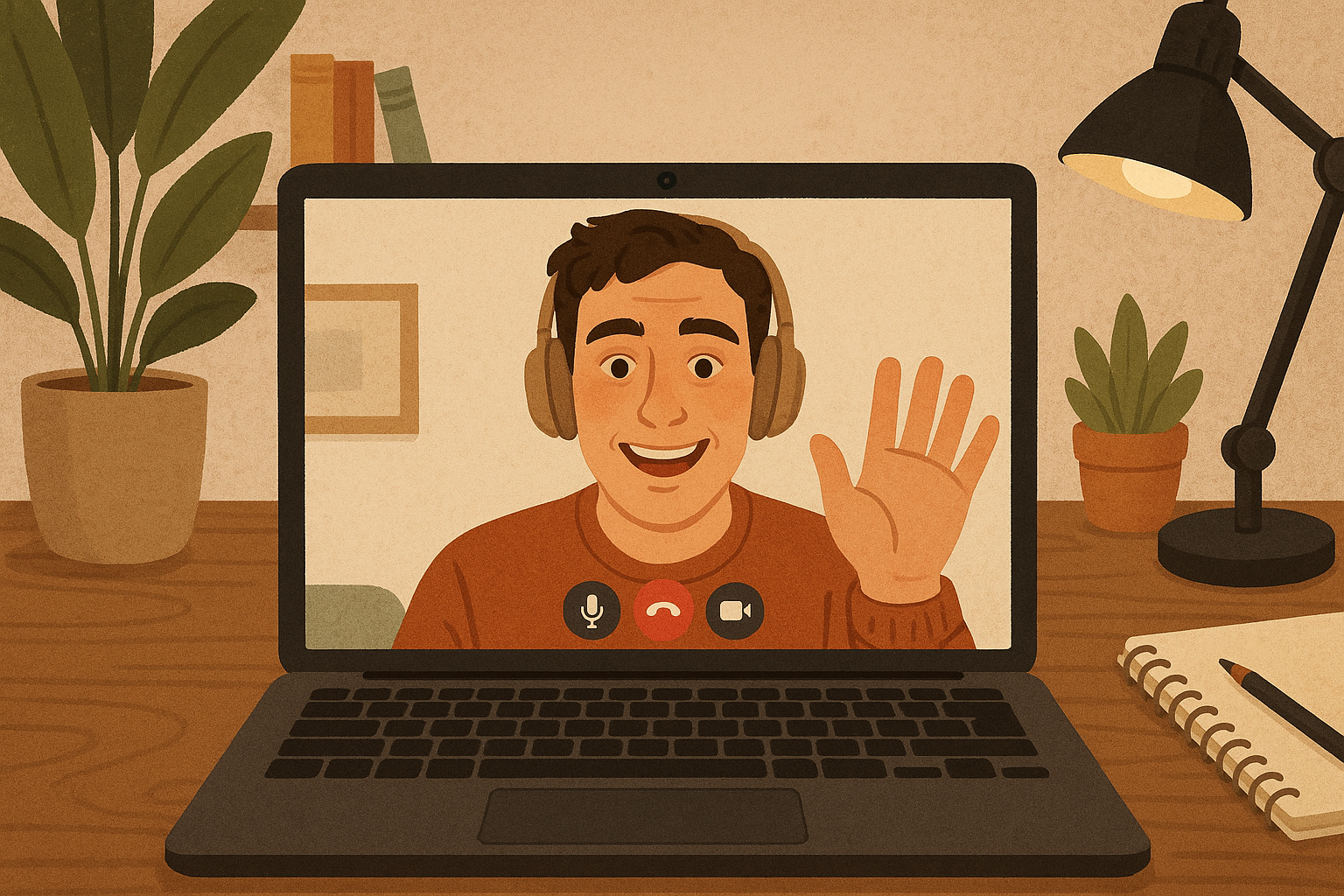
Video calls have become routine for work, school, and staying connected with family. What feels normal can now be exploited. Deepfake technology can impersonate real people in live video calls with enough accuracy to fool colleagues, students, and even financial officers. Companies have lost millions of dollars after employees approved wire transfers during what appeared to be legitimate video conferences with executives. The person on screen looked right, sounded right, and knew internal details—but was artificial.
This guide explains how to recognize deepfake video and voice calls, what red flags to watch for, and how to verify identity when something feels wrong. The goal is not paranoia but practical awareness. Most video calls are legitimate. Knowing how to spot the exceptions protects against fraud, social engineering, and impersonation scams that target everyone from interns to managers.
Understanding Live Deepfake Technology
Deepfakes are AI-generated video or audio that mimics real people. Early deepfakes required hours of processing and were easy to spot. Modern systems can operate in real time during video calls, swapping faces, altering voices, and replicating mannerisms with minimal delay. These systems learn from publicly available content—social media photos, YouTube videos, company presentations, podcast interviews, and conference recordings.
Voice cloning tools can replicate speech patterns from short audio samples. Face-swapping software can map one person’s expressions onto another’s image in real time. When combined, these tools create convincing digital impersonations. The technology is accessible, affordable, and improving rapidly. Security professionals report increasing use of live deepfakes in business email compromise schemes, where attackers impersonate executives to authorize fraudulent transactions.
The most effective deepfakes exploit trust and urgency. Scammers target relationships where verification feels awkward—new employees hesitant to question a CEO, students responding to professors, or family members reacting to distress calls. Understanding how the technology works makes it easier to recognize when something is off.
Visual Warning Signs During Video Calls
Deepfake systems struggle with certain visual elements that human perception handles naturally. Watching for these inconsistencies helps identify artificial video.
Lighting and shadow mismatches create the most obvious tells. When a face is illuminated differently than the background or when shadows fall in impossible directions, the video may be manipulated. Pay attention to how light reflects off skin, hair, and clothing compared to the environment. Real lighting changes smoothly as someone moves; deepfakes often show abrupt or inconsistent shifts.
Facial boundaries and hairlines reveal technical limitations. Look for blurriness where hair meets forehead or where skin meets the background. Deepfake systems sometimes create a soft halo effect around the head or show unnatural color bleeding at edges. When someone moves quickly or turns their head, these boundary artifacts become more visible.
Eye behavior provides another detection layer. Deepfakes may show irregular blinking patterns—either too frequent or oddly timed. Eye direction can seem slightly wrong, as if the person is looking near the camera rather than directly at it. Reflections in glasses may not match the room or may appear static while the person moves.
Lip synchronization errors appear when audio and mouth movements drift apart. This is more noticeable during fast speech, laughter, or when someone speaks while moving their head. Even small delays or overcorrections suggest manipulation.
Common visual indicators include:
- Unnatural skin texture or overly smooth complexion
- Inconsistent focus between the face and background
- Facial features that seem slightly misaligned
- Jerky or stuttering movement when bandwidth appears fine
- Background elements that remain suspiciously static
- Strange artifacts around jewelry, glasses, or accessories
Audio Red Flags to Listen For
Voice deepfakes have improved dramatically but still contain detectable flaws. Listening carefully for audio inconsistencies helps verify caller identity.
Robotic cadence or unnatural speech patterns often indicate synthetic voices. Real people vary their rhythm, pace, and emphasis naturally. Deepfake voices may sound slightly flat or maintain unusually consistent tone. Pauses between words or phrases can feel wrong—either too precise or awkwardly timed.
Background noise consistency matters. If ambient sound cuts out unnaturally when the person speaks or if background audio seems artificial, the call may be manipulated. Real environments produce continuous, varied background noise. Synthetic audio often has perfectly clean silence or generic noise that loops.
Emotional expression in voice is difficult to fake convincingly. Listen for whether vocal tone matches the supposed urgency or emotion of the message. Deepfake systems may deliver high-stakes requests with oddly calm or mechanical affect. Conversely, artificial emotion can sound exaggerated or out of sync with the words being spoken.
Audio quality that seems too good for the supposed connection raises suspicion. If someone claims to be calling from a noisy location but sounds studio-clear, or if voice quality far exceeds video quality, verify through another channel.
Behavioral Testing During Live Calls
The most reliable detection method involves interactive challenges that deepfake systems struggle to handle in real time. These tests verify that you are speaking with a real person without being confrontational.
Request unexpected movements or actions. Ask the person to turn their head to show their profile, wave a hand across their face, or hold up a specific number of fingers. Many real-time deepfake systems are optimized for frontal views and struggle with side angles or sudden gestures. If the person hesitates, ignores the request, or the video quality suddenly degrades, verification is needed.
Introduce context switches that require spontaneous knowledge. Reference a shared experience that only the real person would know, but do so naturally within conversation. Mention a recent project detail, an inside joke, or something specific to your relationship. Deepfakes rely on scripted information and cannot improvise answers to unexpected personal questions.
Ask for interaction with physical objects in their environment. Request that they pick up a specific item, adjust their camera angle, or show you something in the room behind them. Systems that overlay a fake face onto stock video or pre-recorded backgrounds cannot accommodate these requests.
Change communication channels mid-conversation. Suggest switching to a phone call, asking them to send a quick text to verify, or proposing to continue the discussion via email. Legitimate callers can easily switch platforms. Scammers using deepfake tools often resist channel changes because they cannot maintain the impersonation across different systems.
Practical verification techniques include:
- “Can you turn to your left so I can see your full profile?”
- “Hold up three fingers for me”
- “Can you grab that [object] behind you?”
- “What did we discuss in our last meeting about [specific detail]?”
- “Let me call you right back at your usual number”
- “Can you text me from your phone to confirm this request?”
What to Do When Something Feels Wrong
Trust your instincts. If a video call feels unusual—even without specific visual or audio red flags—follow verification procedures. Deepfake detection is not about certainty; it is about applying appropriate caution to high-stakes requests.
Pause before acting on unexpected requests. Legitimate colleagues understand that verification protects everyone. When someone asks you to transfer money, share credentials, approve sensitive actions, or provide confidential information, stop and verify through an independent channel. Never complete the action during the same call where it was requested.
Contact the person through a known, separate communication method. Call their official phone number from your contacts—not a number provided during the suspicious call. Send a text to their verified mobile number or use an internal messaging system. Email their established work address. This out-of-band verification confirms whether the request is legitimate.
Use calm, professional language when requesting verification. Say “I need to verify this through our standard procedure” or “Let me call you back at your office number to confirm” rather than accusing someone of being fake. This approach protects you if the call is legitimate while giving you time to verify if it is not.
Follow organizational policies for verification. Many companies now require callbacks or multi-person approval for financial transactions and sensitive requests. If your workplace has these protocols, follow them every time—even when you are confident the caller is real. Consistent adherence to policy protects everyone and removes the burden of judgment calls.
Document the interaction. Note the time, platform, what was requested, and any unusual behaviors. If the call turns out to be fraudulent, this information helps security teams investigate and prevents future attacks.
Verification steps for suspicious calls:
- Stay calm and engaged during the call
- Ask clarifying questions about the request
- Request one of the behavioral tests described earlier
- End the call politely if resistance or technical problems occur
- Immediately contact the person through a known alternate channel
- Report the incident to IT security or your supervisor
- Do not act on the request until verification is complete
Protecting Yourself From Impersonation Risks
Reducing your exposure to deepfake impersonation requires managing what information is publicly available. Scammers build deepfakes from photos, videos, and audio they find online. Limiting this material makes impersonation harder.
Review social media privacy settings. Restrict who can see photos, videos, and voice recordings. Make sure profile pictures and tagged content are not visible to everyone. Many platforms default to public sharing; changing these settings to friends-only or private reduces available training data.
Be selective about posting video content. Every video that includes your face and voice provides material for deepfake creation. Consider whether public posting is necessary or whether private sharing with specific individuals is sufficient.
Avoid posting content that reveals personal verification details. Photos that show your workplace, home address, family members, or daily routines give scammers context they can use to make impersonation more convincing. The goal is not to avoid social media entirely but to be strategic about what you share publicly.
Employers should limit public access to internal presentations, all-hands meetings, and executive Q&A sessions that include video. When these recordings must be shared, host them on password-protected platforms rather than public video sites.
Workplace Verification Protocols
Organizations should establish clear policies for verifying identity during sensitive requests. These protocols protect employees from liability when they follow verification procedures and reduce successful fraud.
Mandatory callback policies require employees to independently call back any request for financial transfers, credential sharing, or policy exceptions—even when the request appears to come from a known authority. The callback must use a number from the company directory, not a number provided during the suspicious call.
Multi-person approval for high-value actions ensures that more than one employee reviews and verifies significant transactions. This reduces the impact of any single employee being deceived by a deepfake.
Verification code systems use pre-arranged phrases or rotating passwords that only legitimate employees know. When someone requests sensitive action, they must provide the current verification code. This system works for both in-person and remote verification.
Out-of-band confirmation requires using a different communication channel to verify requests. If the request comes via video call, verify via text. If it arrives by email, verify by phone. This makes it much harder for attackers to maintain consistent impersonation across platforms.
Training employees to pause and verify without fear of consequences is essential. If employees worry about questioning authority or slowing down urgent requests, they will skip verification. Company culture must support security-conscious behavior and treat verification as professionalism, not paranoia.
Recommended workplace policies:
- All financial transfers above a threshold require callback verification
- Credential requests must be verified through IT ticketing systems
- Unexpected changes to payment details require multi-channel confirmation
- Employees have explicit permission to verify any request that feels unusual
- Verification does not require explaining why you are suspicious
- Regular training includes simulated deepfake scenarios
The Role of Healthy Skepticism
Digital literacy now includes questioning whether the person on screen is real. This does not mean treating every call as suspicious or refusing to trust colleagues. It means building verification habits that protect everyone while maintaining productive relationships.
Younger professionals, students, and interns are particularly vulnerable because they may hesitate to question authority figures. Learning to verify without anxiety is a career skill. Saying “Let me verify this through the standard process” is professional behavior, not insubordination.
Families can establish verification protocols for emergency calls. Agree in advance on a code word or phrase that confirms identity during distress situations. If someone calls claiming to be in trouble and needs money immediately, use the code word to verify identity before acting.
The most effective protection combines awareness, verification habits, and organizational support. No single detection method is foolproof. Technology will continue improving, and visual tells will become harder to spot. Process-based verification—pausing, confirming through another channel, and following established protocols—remains reliable regardless of how convincing deepfakes become.
Responding to Confirmed Deepfake Incidents
If verification confirms that a call was a deepfake attempt, immediate reporting helps protect others. Contact your IT security team, supervisor, or human resources department depending on your organization’s structure. Provide details about the platform used, what was requested, and any technical details you observed.
Preserve evidence if possible. Take screenshots, save call recordings if your platform allows it, and document the interaction while details are fresh. This information helps security teams identify attack patterns and implement defenses.
Warn others who may be targeted. If a deepfake impersonated your supervisor, colleagues in similar roles are likely receiving the same approach. Internal communication about the attempt helps prevent successful fraud against others.
Review and update security practices after an incident. Consider what allowed the attack to get as far as it did and what processes could catch similar attempts earlier. Each incident provides learning opportunities for improving organizational defenses.
Understanding that deepfake attempts will occur removes the stigma around reporting them. Employees should feel comfortable reporting suspicious calls without embarrassment. Organizations that treat these reports as valuable security intelligence rather than employee failures build stronger defenses.
Building Long-Term Awareness Habits
Deepfake technology will continue evolving, and detection methods will need to adapt. Building awareness habits now creates a foundation for responding to future threats.
Stay informed about emerging threats through reputable security sources. Understanding what techniques attackers currently use helps you recognize them when targeted. Follow cybersecurity news outlets, attend workplace training, and participate in awareness programs.
Practice verification in low-stakes situations to build comfort with the process. Verifying a colleague’s request during normal operations makes the habit automatic when it matters most. Treat verification as routine professionalism rather than emergency response.
Discuss deepfake awareness with friends, family, and coworkers. The more people understand these threats, the less effective they become. Share what you learn without creating panic—frame it as practical digital literacy.
Recognize that perfect detection is not the goal. Verification processes work even when you cannot definitively identify a deepfake. Building habits around pausing, confirming through alternate channels, and following policies protects against both deepfakes and traditional social engineering.
Video call security is now part of digital hygiene alongside password management, phishing awareness, and device security. Learning to verify identity during suspicious interactions protects your finances, your organization, and your professional reputation. The technology will continue advancing, but verification habits remain effective regardless of how sophisticated deepfakes become.
Enjoyed this article?
Subscribe to Professor Simon's weekly newsletter for practical insights, career guidance, and leadership lessons delivered every Friday.
A confirmation email will be sent. If you don't receive it, please check your spam or junk folder.
No spam. Unsubscribe anytime.
Prefer to Listen?
Listen to Professor Simon’s IT & Cybersecurity Podcast for practical conversations about cybersecurity careers, certifications, security leadership, and real-world lessons from the field.
Listen on Spotify